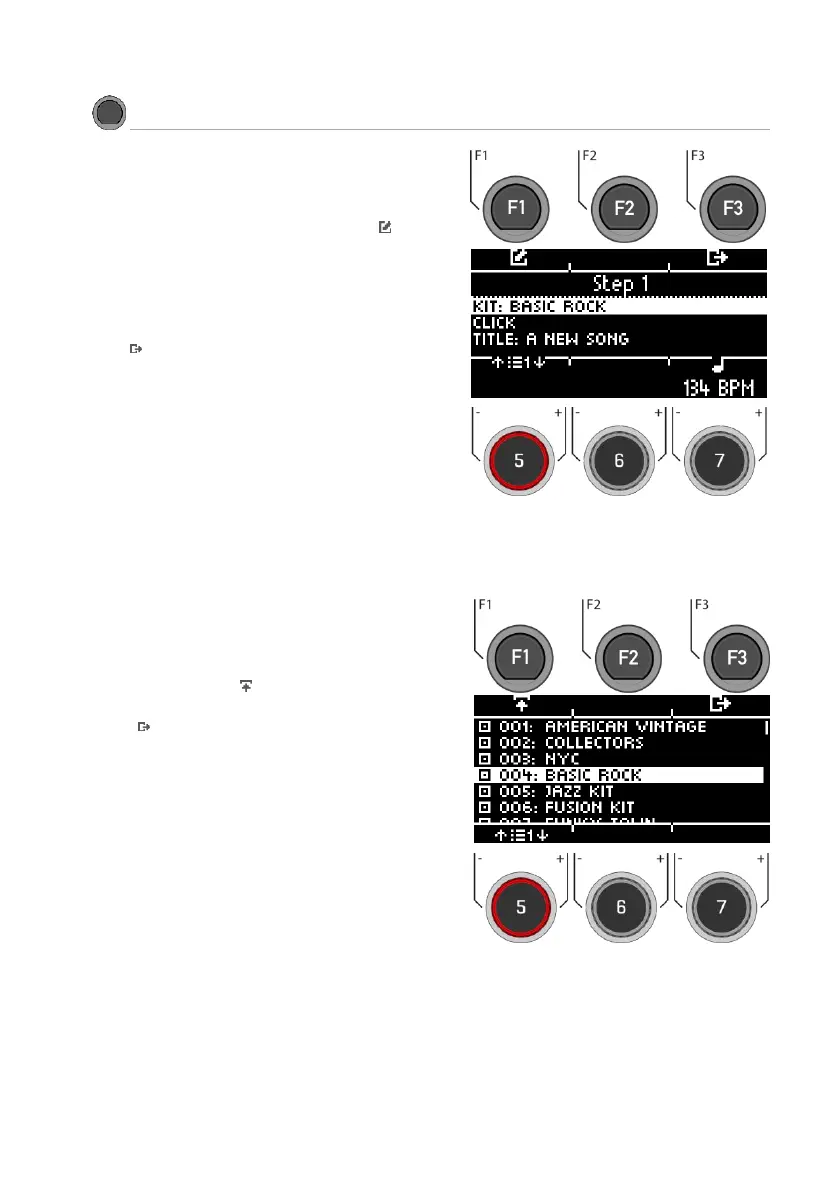
You can assign a drum kit, a metronome tempo
(click) and a title to each song.
Use the dial [5] or the navigation keys [8] to select
the parameter you want to edit and press [F1].
You can also use the dial [7] to directly change
the tempo for your song on the level.
Press [F3] to exit the level or any menu key to
exit the entire menu.
Select Drum-Kit
Select the desired drum kit preset with the dial
[5] or the navigation keys [8] and confirm your
entry with [ENTER] or [F1].
Press [F3] to exit the level or any menu key to
exit the entire menu.



 To Next Page