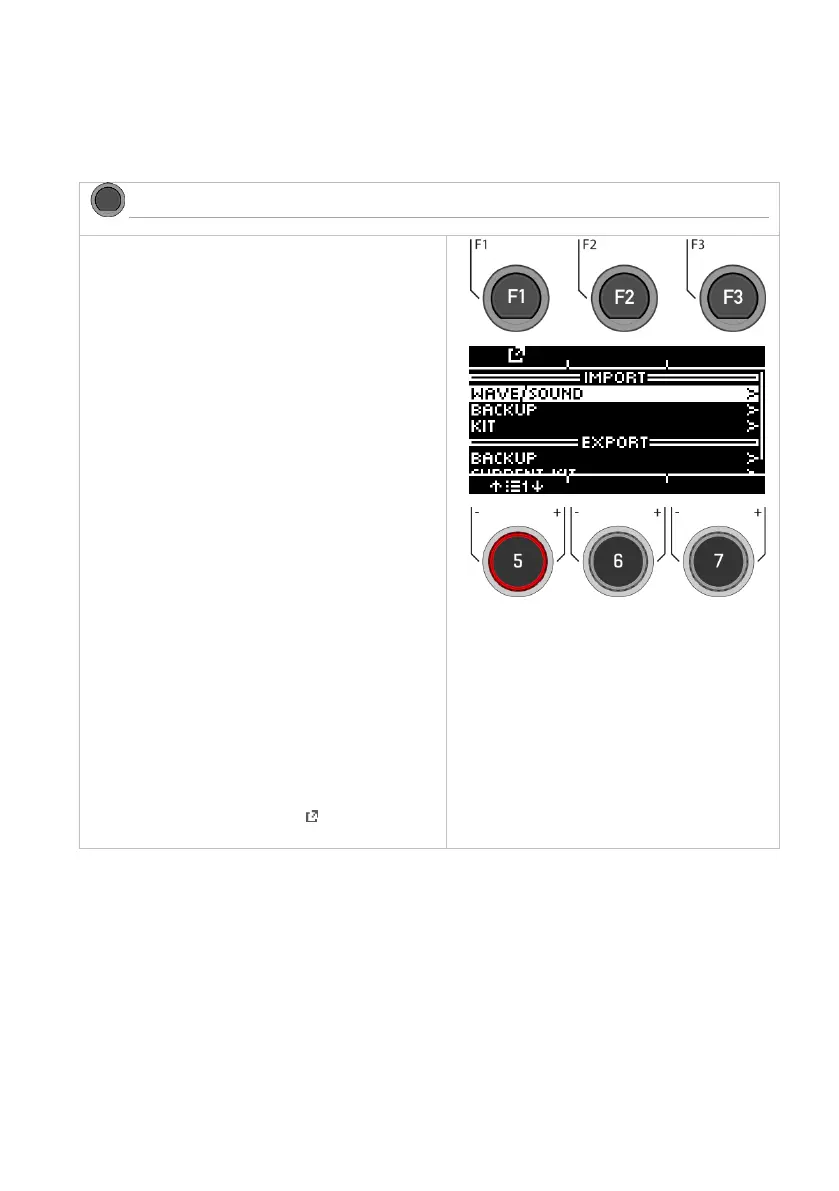
Insert a USB stick into the module. If no stick is
recognised, [INSERT USB STICK] appears on the
display. The following options are available:
===IMPORT=== (load into the module)
Wave/Sound
Import your own Wav-samples to integrate them
into your drum kit. mportieren
Backup
Import a backup.
Kit
Import all settings of a user drum kit.
===EXPORT=== (save the contents of the module)
Backup
Create a backup of all parameters and settings of
your module. Previously imported samples will not
be saved! !
Current Kit
Save the kit settings (incl. effects) of the currently
selected kit.
Select the corresponding menu item from the list
with the dial [5] or the navigation keys [8] and
open the menu by pressing the [F1] or [ENTER]
keys.



 To Next Page