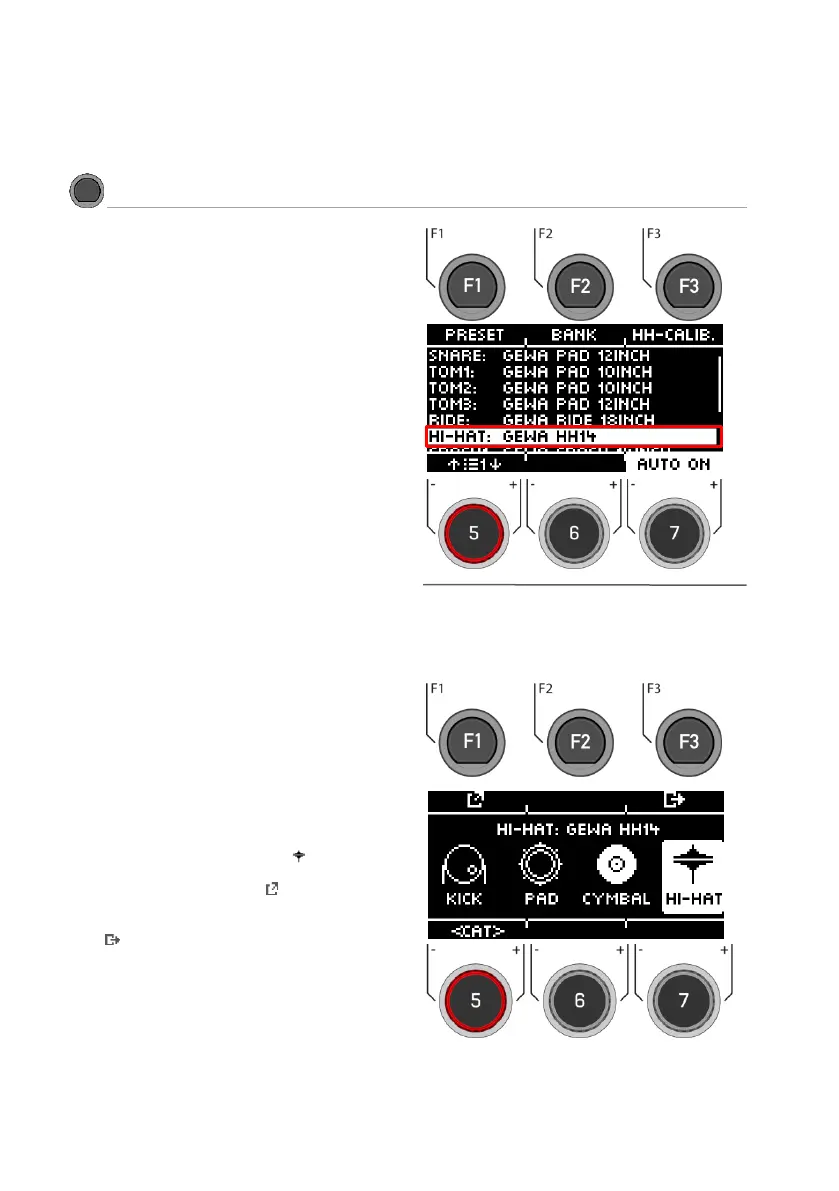
Use the dial [5] or the navigation keys [8] to select
the input channel you want to change and press
[F2] [Bank] or [ENTER].
Now select the category of your trigger with the
dial [5] [<CAT>] or the navigation keys [8].
If you have selected the hi-hat channel, the
symbol (hi-hat) is also displayed.
Confirm your selection with [F1] or by pressing
[ENTER]
Press [F3] to go back one step.



 To Next Page