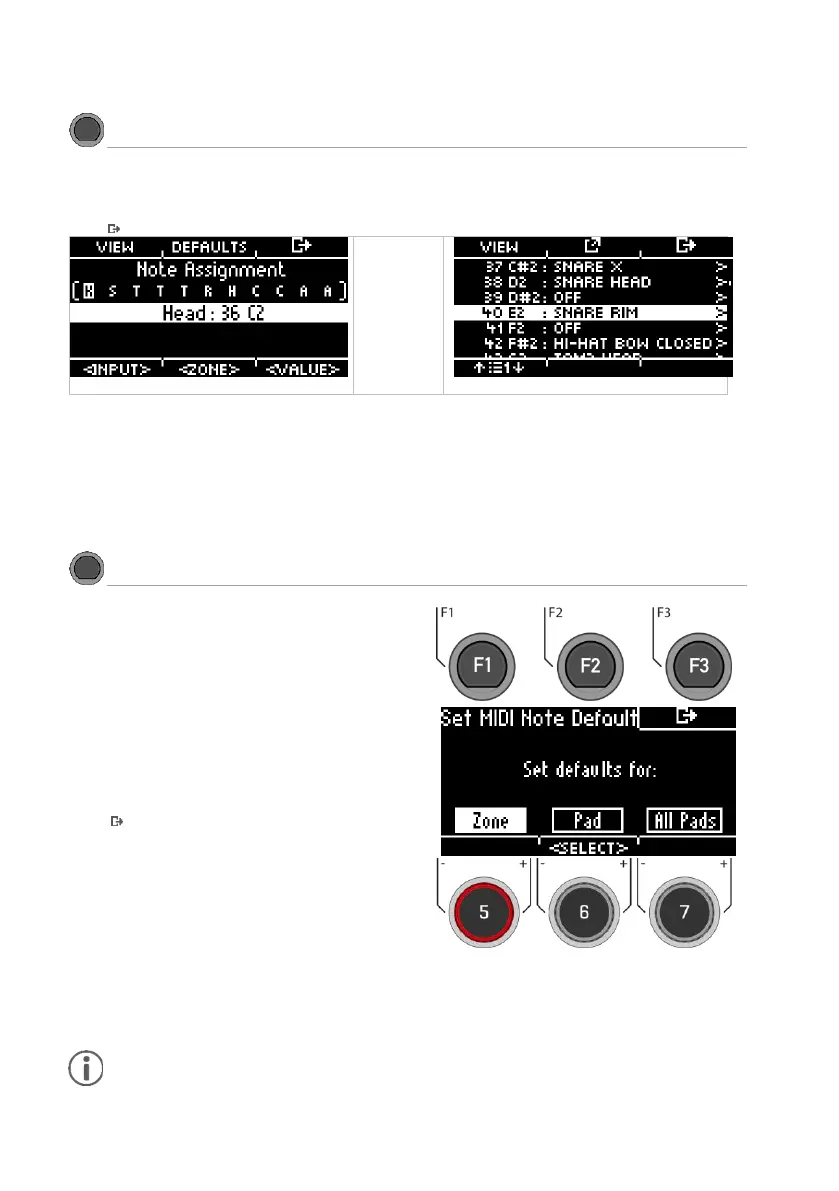
Press [F1] [VIEW] to switch between the "Channel-View" and the "List-View".
Press [F3] to exit the level or any menu key to exit the entire menu.
Basic settings
Press [F2] [DEFAULTS] in the "CHANNEL-VIEW" to
restore the default settings.
You can reset the MIDI Pad Settings for a ZONE, an
entire PAD or ALL PADS.
Turn the knob [6] [<SELECT>] to select the corre-
sponding function and press [ENTER].
Press [F3] to exit the level or any menu key to
exit the entire menu.



 To Next Page