G5 – Owner‘s Manual | 109
Sound Preview
By pressing the Preview button, MIDI signals of the selected zone can optionally be sent. Switch
the function on or off.
Factory Reset
Restore the factory settings. Please note that all user presets and settings will be deleted
Info
All information about your software version and serial number.
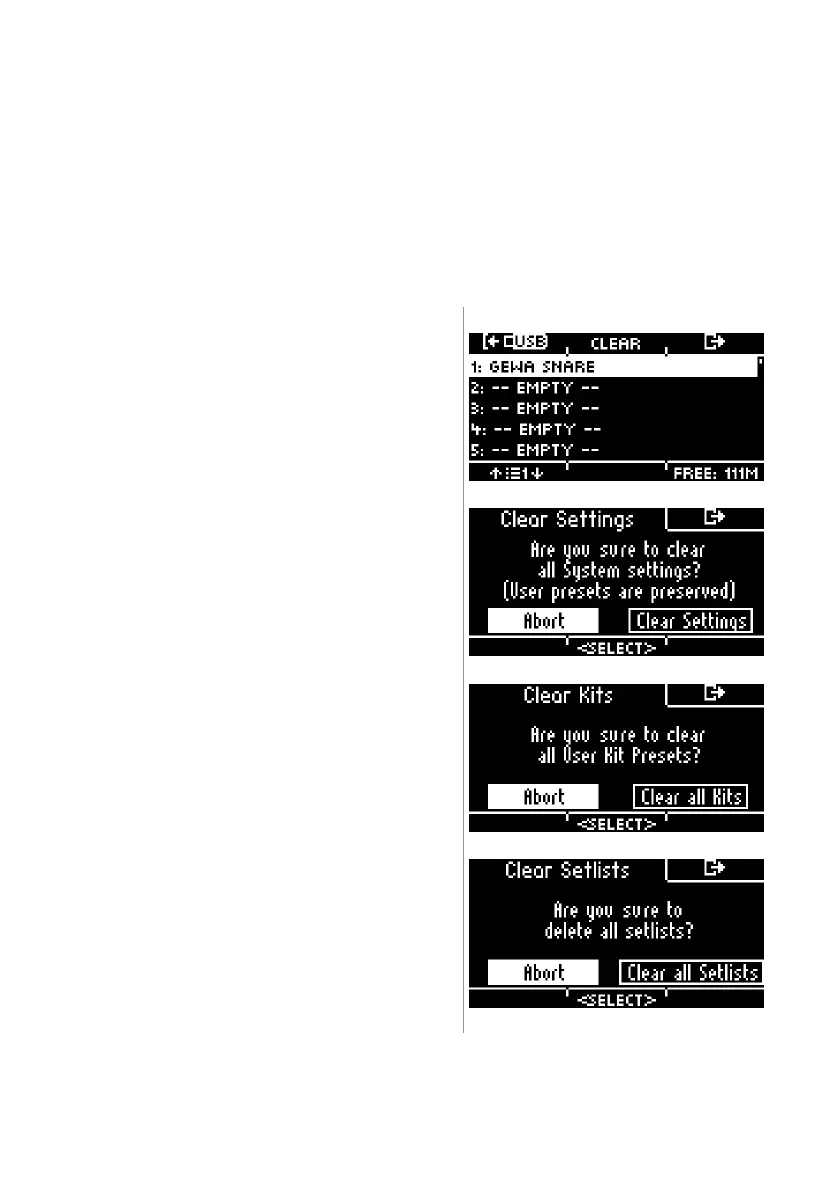
=== Data Cleanup ===
List of all options to reset the module completely or partially to factory settings.
Wave Manager
Delete and load wave files. See Chapter: “USB
Load/Save“
Clear Settings *
Resetting the system settings and all settings of the
selected kit, as well as the trigger settings. User
presets are not deleted!
Clear all Kits *
Delete all created user drum kits.
Clear all Setlists *
Deletes all set lists and the songs they contain.



 To Next Page