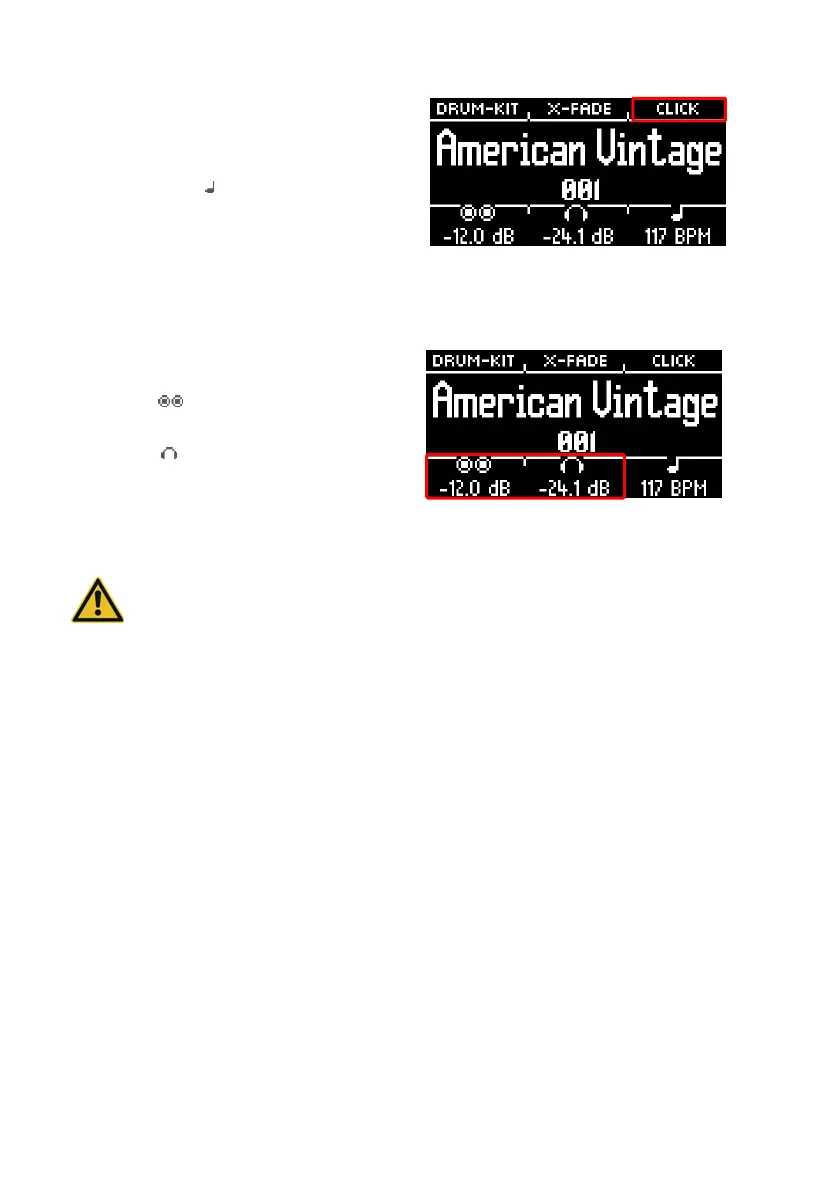
Metronome settings
You can start and stop the metronome at any
time by pressing [ENTER]. You can also switch to
the detailed metronome level with [F3]. The field
at the bottom right of the screen also flashes
Turn the dial [7] to select the tempo.
Touch [F3] to open the metronome editor.
Here you can change the time signature,
the rhythm (interval), the click volume and
many other metronome settings.
Set the headphone volume to a low level before use to avoid damaging your hearing.
Especially with in-ear headphones, the volume is perceived differently and it can cause
hearing damage if the volume is too high.



 To Next Page