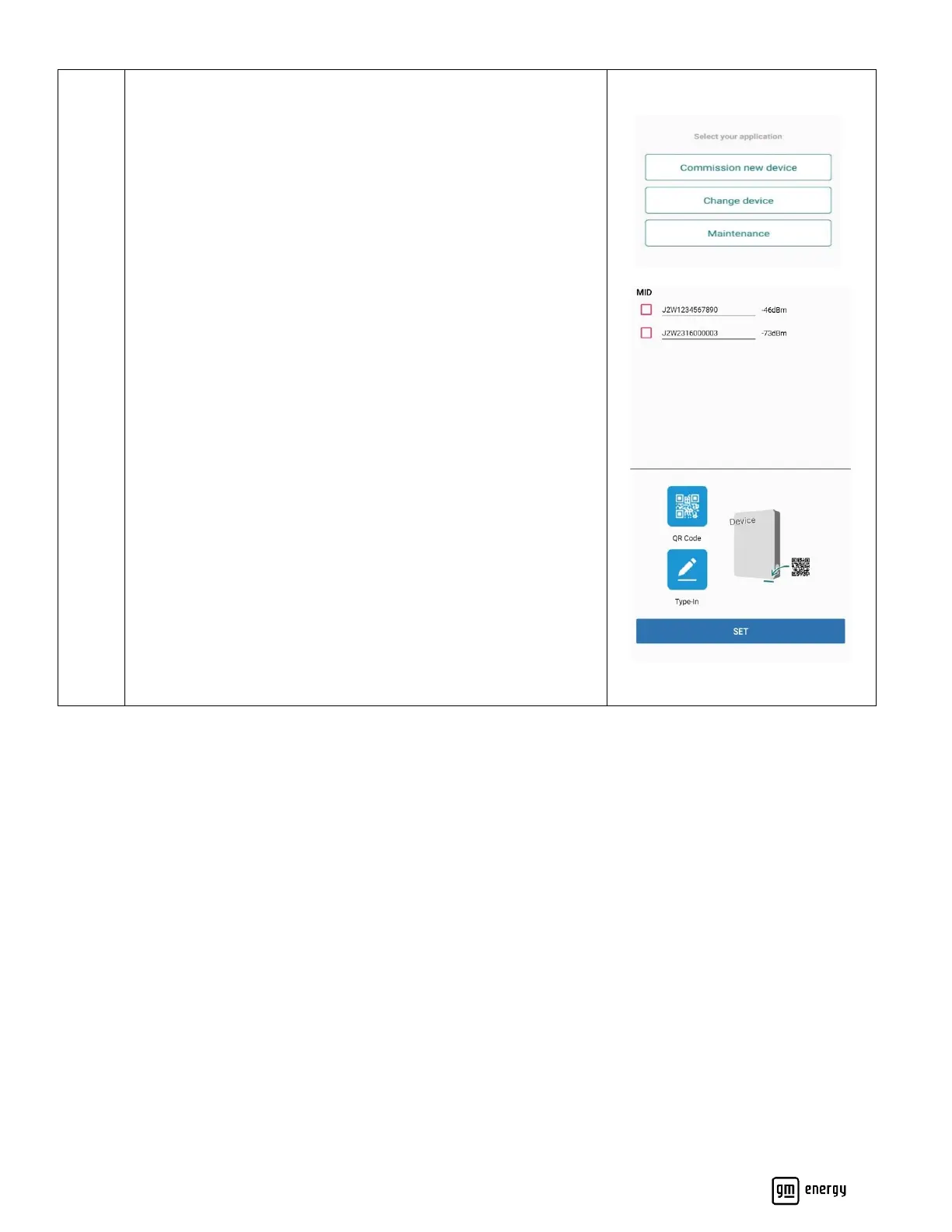
Search for the target device as prompted. Ensure the serial
number matches the physical serial number on the product.
The device serial number can be found on the bottom of the
“Product”.
If nothing shows up above or you are performing the install on iOS
device you will need to scan the QR code or type in the serial
number to continue.
Note: Only the EVSE and MID have QR codes. If replacing a BDI or
DSB, you must scan the MID, as instructed, to connect to the
system
.



 To Next Page