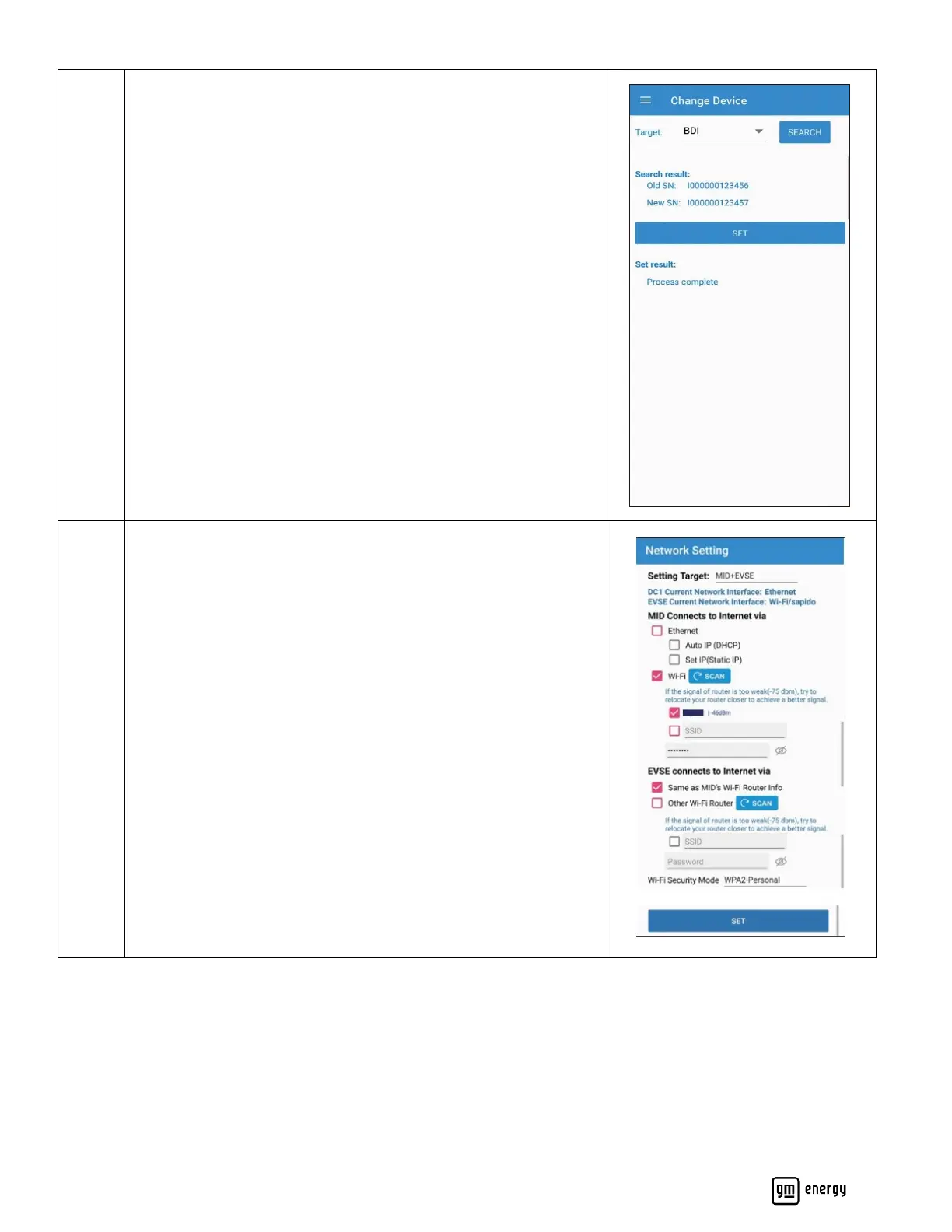
If replacing EVSE or MID, you may be prompted to connect to Wi-
Fi.
Scan for the Wi-Fi network and use the appropriate Wi-Fi
credentials.
If end user Wi-Fi credentials are not available, a personal hot-spot
may be used for commissioning purposes. After the installer leaves
the site, please inform the user the hardware will lose internet and
the user can later use their vehicle’s mobile app (myChevrolet,
myBuick, myGMC or myCadillac) to connect their hardware to their
home Wi-Fi router to regain internet connectivity to their
hardware.



 To Next Page