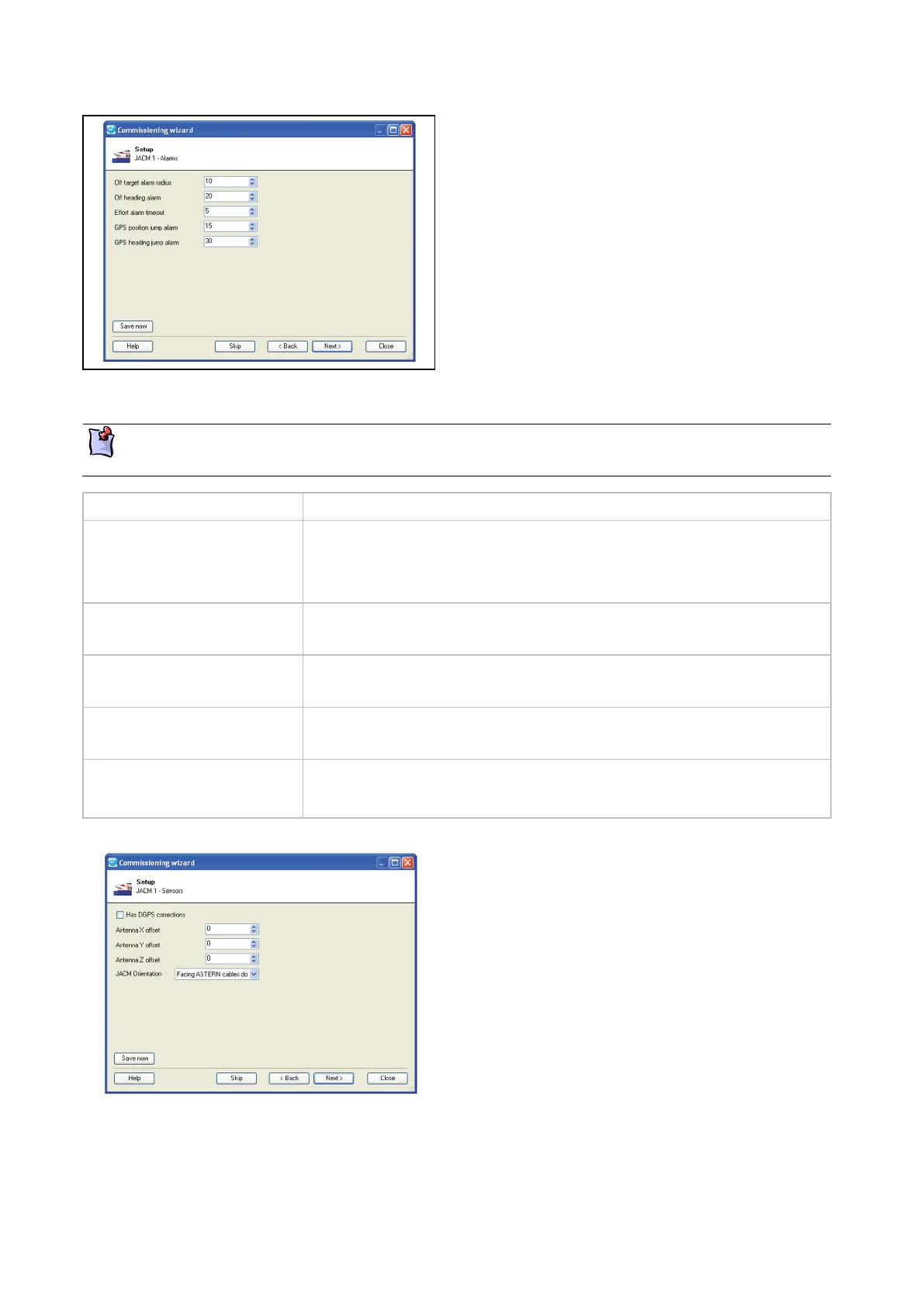
Set the alarm setpoints or accept the default setpoints.
Click Next to save the settings and continue.
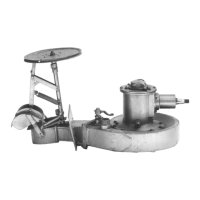
Set the following JETanchor GPS and hardware parameters:
These parameters must be set to match each individual vessel. JETanchor will not function correctly
if the default values are used.
Has DGPS corrections Set if the installation has a DGPS correction service connected to the GPS.
If set, an alarm activates if the correction service is missing:
0 = no DGPS connected.
GPS Antenna X offset GPS X offset from vessel origin. The X offset and vessel origin are shown in
a figure later in this section.
GPS Antenna Y offset GPS Y offset from vessel origin. The Y offset and vessel origin are shown in
a figure later in this section.
GPS Antenna Z offset GPS Z offset from vessel origin. The Z offset and vessel origin are shown in
a figure later in this section.
JACM orientation The JACM's orientation within the vessel. Affects roll and pitch control.
JACM orientation options are shown in a figure later in this section.
Set the JETanchor GPS and hardware parameters.
For an explanation of antenna offsets and JACM
orientation, see the following figures.
Click Next to save the settings and continue.



 To Next Page