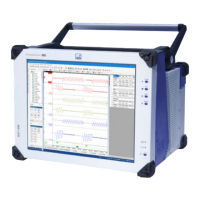
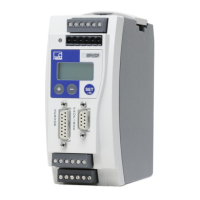
MP60, MP60DP
SETUP AND OPERATION
30
Display modeSymbol in status field
e.g.
ERROR PkValMax
Error messages
During measurement, the ! symbol
indicates a module error.
The current occurring errors are
automatically displayed one after
the other in the "ERROR" display
mode (accessible with "+").
2)
Status field
!
An error has occurred
1)
In pulse measurement Imp or kImp is displayed
2)
See section 11 "Error messages/operating state (LED)", page 80
7.2 Starting up
S Set the DIP switches as shown in section 4 (page 13 and 14).
S Connect the power supply cable and the transducer to the module as described in
sections 6.2 and 6.3.
CAUTION
Follow the safety instructions!
S Switch on the power supply.
The device performs a function test (lasting about 15 seconds) and then, if this runs
properly, is in measuring mode. During the function test, the control outputs stay at
0 V.
Information
If the error message HardwOvf is displayed, refer to section 11
"Error messages/operating state (LED)", page 80.
In addition, the yellow LED indicates that the MP60 is ready to start measuring.
For the meanings of the other LEDs see section 11
"Error messages/operating state (LED)", page 80.


 To Next Page