112
4.1.2 Verify/Duplicate sampling
Patient Test
PID: 750629-3694
LID: 12345
63 mg/dL
Result
1
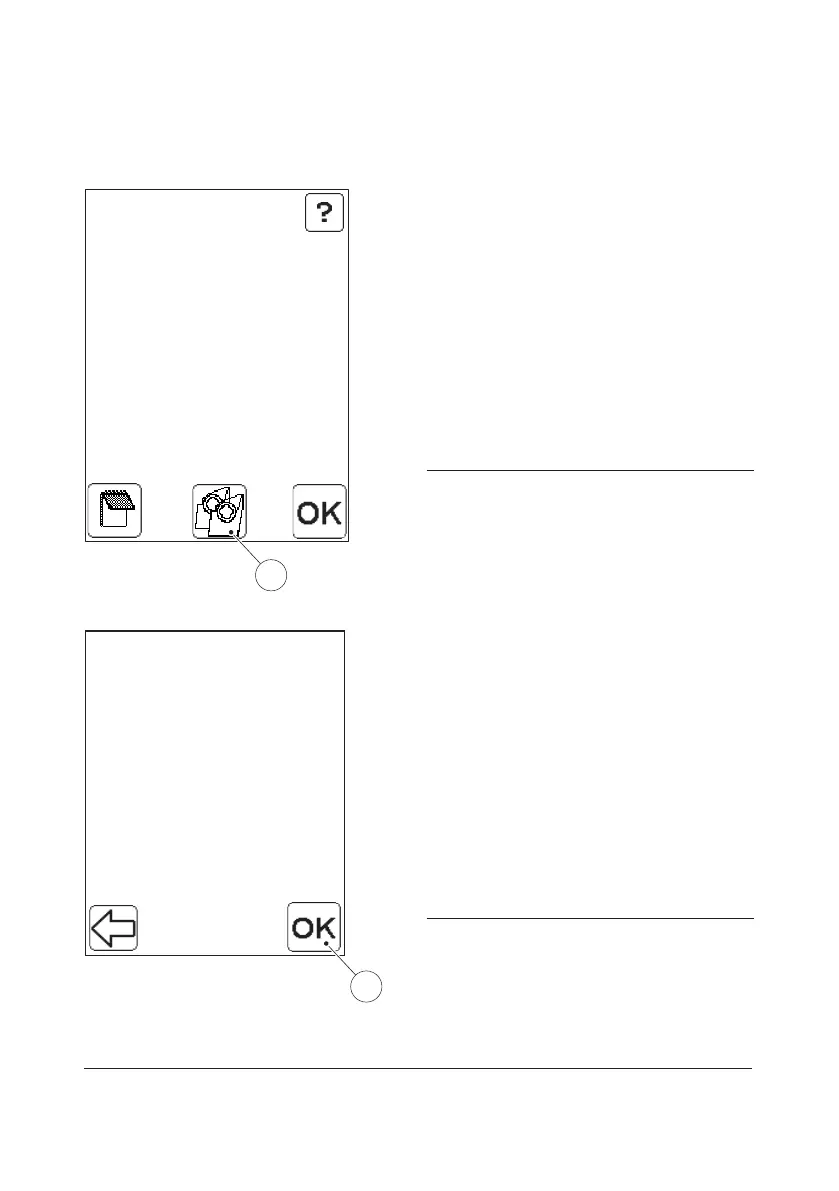
FIGURE 4-13
Results may be verified by obtaining a
second sample from the same patient and
performing a new measurement. Depending
on whether the Duplicate sampling function
(see Duplicate sampling) has been activated
or not the outcome of this procedure may
vary.
Never re-measure a Cuvette!
a) When the first result is displayed, press
the Verify/Duplicate Sampling button(1).
FIGURE 4-14 will be displayed.
1 Verify/Duplicate sampling button
Patient Test
PID: 750629 -3694
LID: 12345
Cuv.123456
Verify
Press "OK"
to Accept
FIGURE 4-14
b) Accept the information for the new
measurement by pressing the Confirm
button(2).
c) The following text will be displayed:
Please Fill and Insert a Cuvette.
d) When the new Cuvette is inserted and the
measurement is in progress, the following
text will be displayed:
Please Wait Measuring…
e) Upon completion of the measurement,
the result is displayed, see FIGURE 4-15.
2 Confirm button



 To Next Page
 Loading...








