26
2.2.3 Main Menu and Help
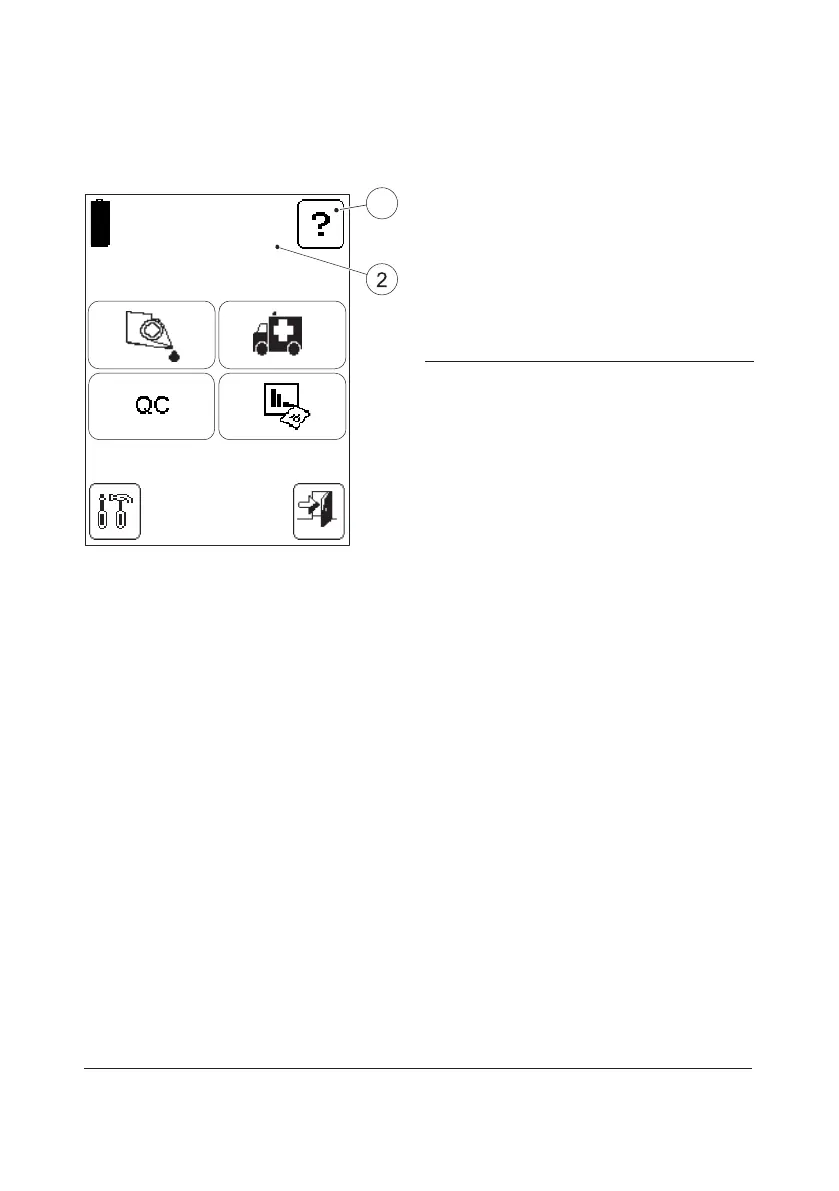
FIGURE 2-24
FIGURE 2-24 is referred to as the Main Menu.
It is displayed as the Startup Image for all
Tests, Setting procedures, etc.
The Help button(1) may be used to display
information about other buttons,
procedures, etc.
1 Help button
2 Operator name, Operator ID or blank,
depending on the settings
2.2.4 Power saver mode
When no procedures have been performed
within the time predefined in the Analyzer
settings (see section 3.3.2 Power Saver), the
Analyzer will switch to power save mode.
If the Analyzer is powered via the Power
Adapter, the user will be logged o, the
image on the display will disappear, but the
power will remain on. Touch the Display to
reactivate it.
If the Analyzer is powered via the Battery, the
user will be logged o and the Analyzer will
be switched o. Press the On/O button to
reactivate it.
08/09/03 10:55 AM
JAMES SMITH
1



 To Next Page
 Loading...








