35
2.3.6 Entering information from
barcodes
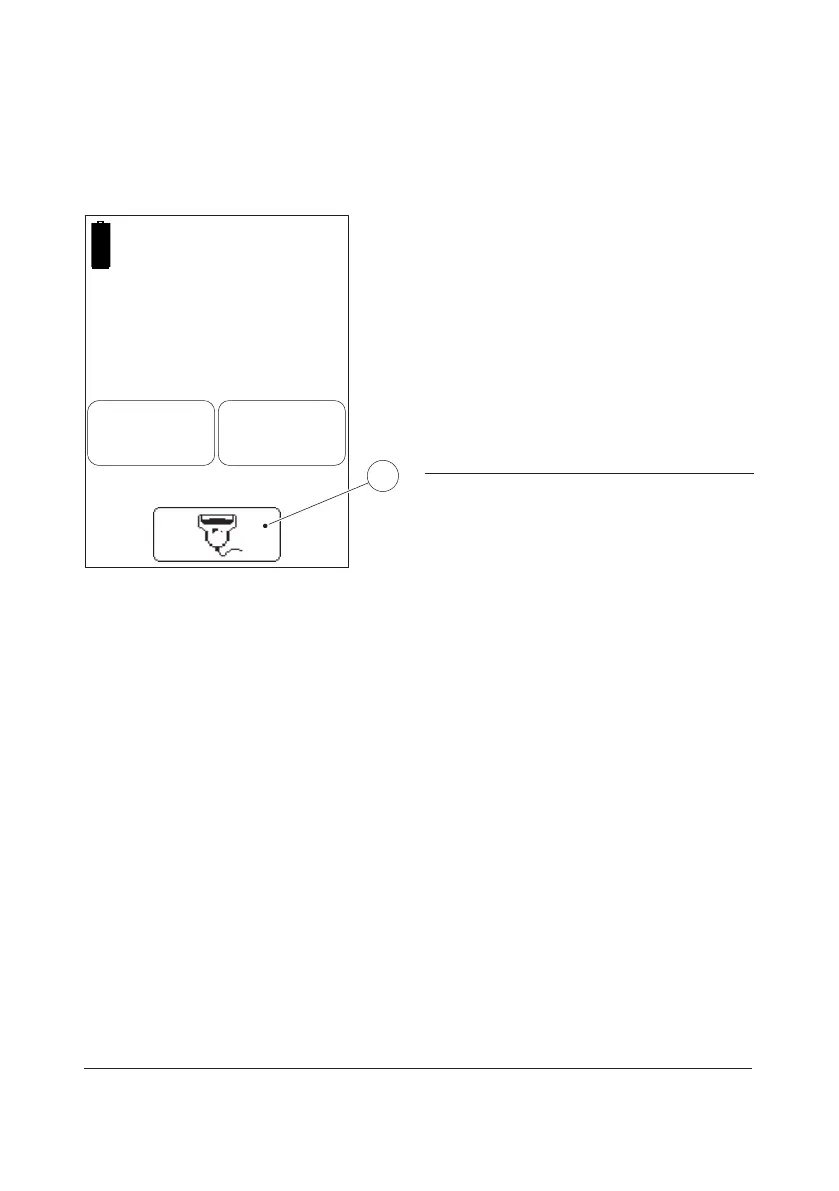
FIGURE 2-28
Inputs to the Analyzer such as Operator ID,
Patient ID, etc. can be made via the built-in
Barcode Scanner or via the display (see 2.3.5
Entering information with letters and digits).
Use of the Barcode Scanner eliminates
manual input errors.
Special characters can be entered into the
Analyzer by means of the Barcode Scanner.
For more information on how to use the
Barcode Scanner see Instructions for Use.
1 Barcode scanner button
Enter
Operator ID
123ABC
1



 To Next Page
 Loading...








