40
3.2 Define Lists
Liquid ControlsLiquid Controls
Cuvette BatchesCuvette Batches
Define OperatorsDefine Operators
Lists
Define CommentsDefine Comments
2
1
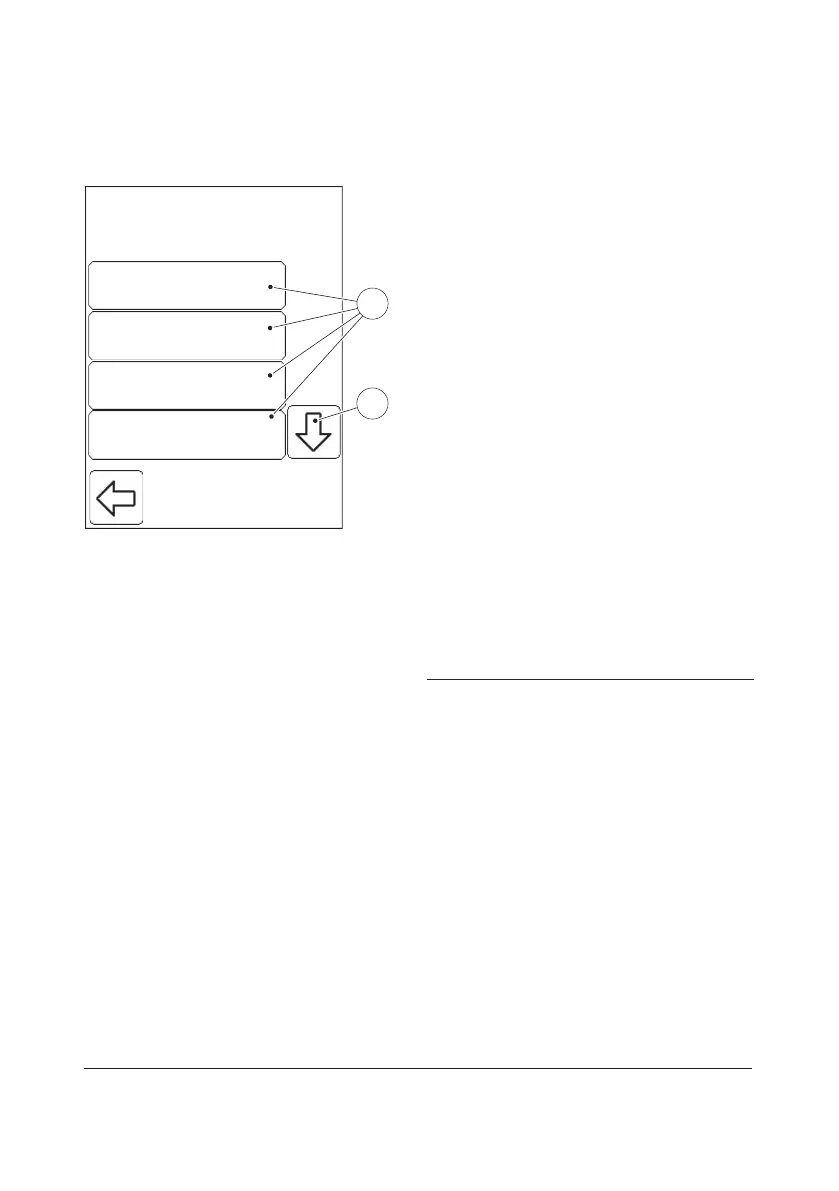
FIGURE 3-5
When the Define Lists button is pressed in
the Settings menu (see FIGURE 3-4), the
following Define Lists categories(1) are
displayed:
• Liquid Controls (see 3.2.1 Liquid Controls)
• Cuvette Batches (see 3.2.2 Cuvette
Batches)
• Define Operators (see 3.2.3 Define
Operators)
• Define Comments (see 3.2.4 Define
Comments)
• Define Log (see 3.2.5 Define Log Notes)
Define Operators may only be activated if
the operator is designated as Supervisor, or if
the correct password has been entered.
a) View Define Lists categories(1) not
initially visible by pressing the Scroll bar
arrow(2).
b) Select a Define Lists function(1) by
pressing it.
1 Define Lists categories
2 Scroll bar arrow



 To Next Page
 Loading...








