66
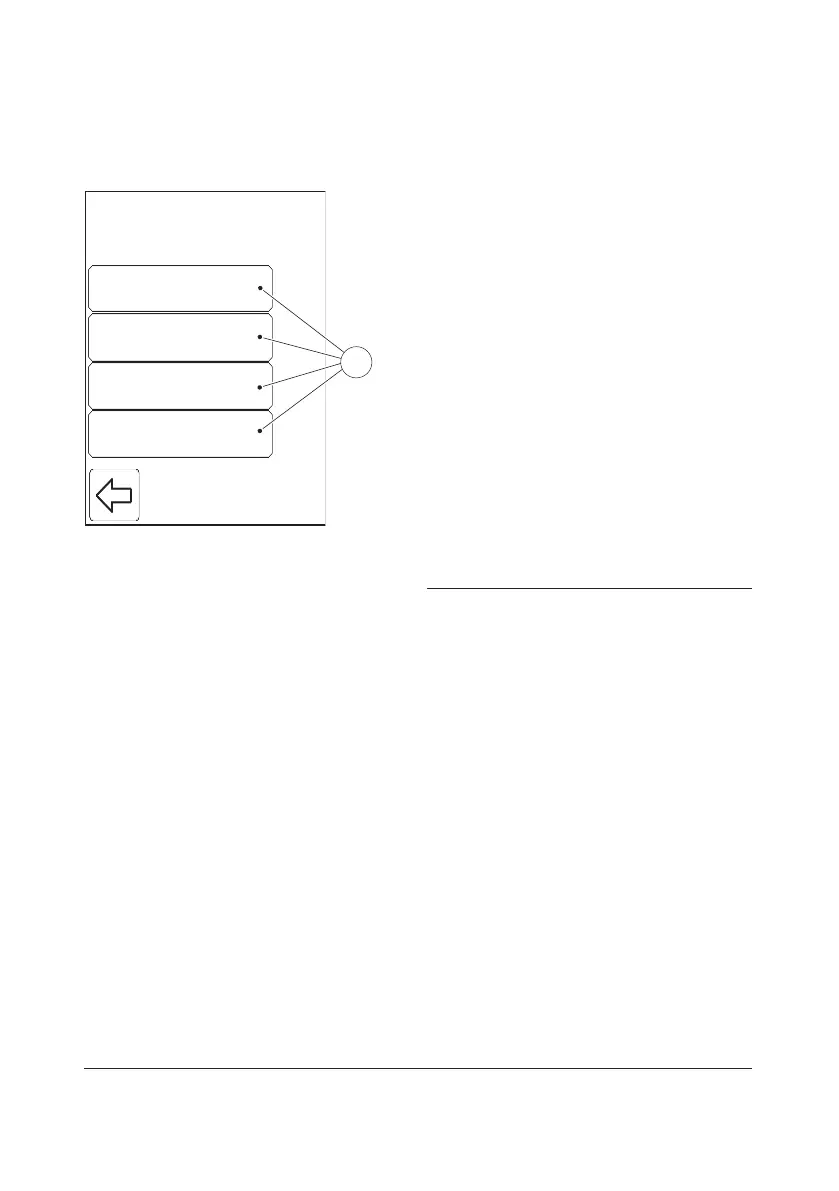
3.4 Advanced Settings
General SettingsGeneral Settings
Patient testPatient test
QC testQC Test
Linearity testLinearity test
Settings
1
FIGURE 3-45
When the Advanced Settings button is
pressed in the Settings categories menu (see
FIGURE 3-4), the following Advanced
Settings categories(1) are displayed:
• General Settings (see 3.4.1 General
Settings)
• Patient test (see 3.4.2 Patient Test
Settings)
• QC test (see 3.4.3 QC Test Settings)
• Linearity test (see 3.4.4 Linearity Test
Settings)
a) Select one of the Advanced Settings
categories(1) by pressing the button.
The Advanced Settings categories are
explained on the following pages.
1 Advanced Settings categories



 To Next Page
 Loading...








