60
3.3 Basic Settings
Power SaverPower Saver
Audible SignalsAudible Signals
Settings
Date/TimeDate/Time
LanguageLanguage
1
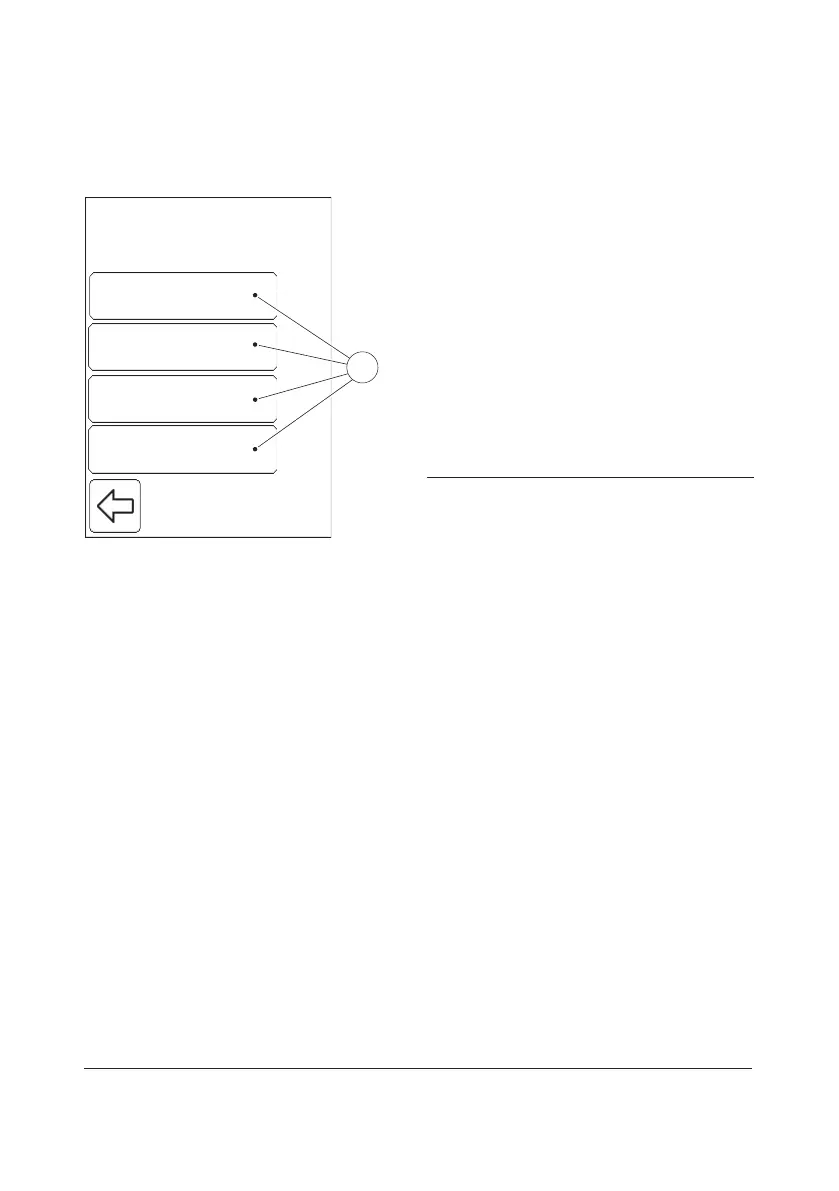
FIGURE 3-37
When the Basic Settings button is pressed in
the Settings menu (see FIGURE 3-4), the
following Basic Settings categories(1) are
displayed:
• Date/Time (see 3.3.1 Date/Time)
• Power Saver (see 3.3.2 Power Saver)
• Audible Signals (see 3.3.3 Audible Signals)
• Language (see 3.3.4 Language)
a) Select a Basic Settings category(1) by
pressing it.
1 Basic Settings categories


 To Next Page
 Loading...









