65
3.3.4 Language
An Analyzer is delivered with two predefined
language options.
EnglishEnglish
DeutschDeutsch
2
1
3
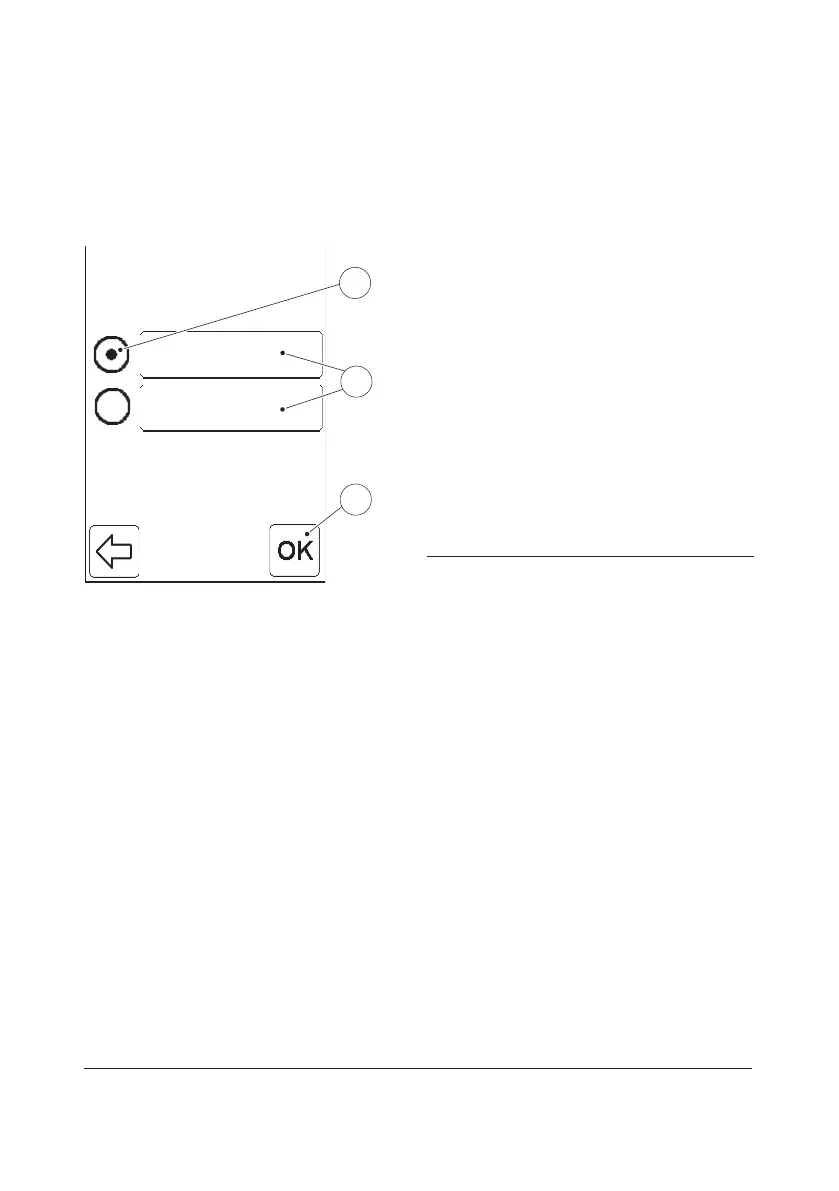
FIGURE 3-44
When the Language button is pressed in the
Basic Settings menu (see FIGURE 3-37), the
Language settings function is displayed.
The two language options are displayed as
Language buttons(1). The language
currently in use is indicated by the selected
Radio button(2).
a) To change the language, press the
desired Language button(1).
b) Press the Confirm button(3).
c) The Basic Settings menu will be displayed
(see FIGURE 3-37).
1 Language buttons
2 Radio button
3 Confirm button


 To Next Page
 Loading...









