87
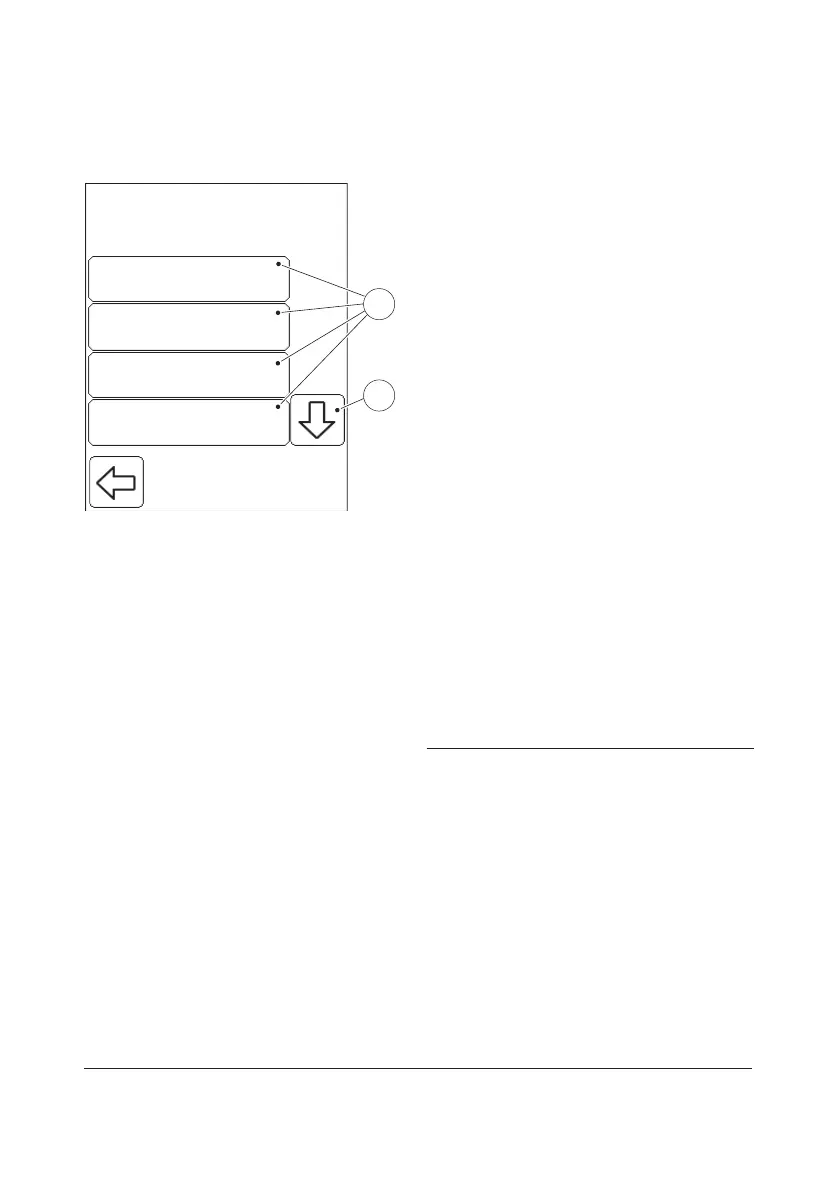
3.4.3 QC Test Settings
LowLevel 1
NormalLevel 2
HighLevel 3
Other LevelLevel 4
Settings
1
2
FIGURE 3-67
When the QC test button is pressed in the
Advanced Settings menu (see FIGURE 3-45),
the following QC Test Settings options are
displayed:
• Level 1 (see FIGURE 3-68)
• Level 2
• Level 3
• Level 4
• Level 5
• Reminder Time (see FIGURE 3-76)
• QC Result Options (see FIGURE 3-78)
• Failed QC Comment (see FIGURE 3-79)
Level 1, Level 2, Level 3, Level 4 and Level 5,
refer to the dierent concentration levels of
Liquid Controls used in QC tests. The
settings procedure is the same for all
concentration levels. For this reason, only
one of these is described.
a) Press the Scroll bar arrow(2) to view
options(1) not initially visible on the
display.
b) Select a QC Test Settings option(1) by
pressing it.
1 QC Test Settings options
2 Scroll bar arrow



 To Next Page
 Loading...








