119
4.1.4 Entering Comments –
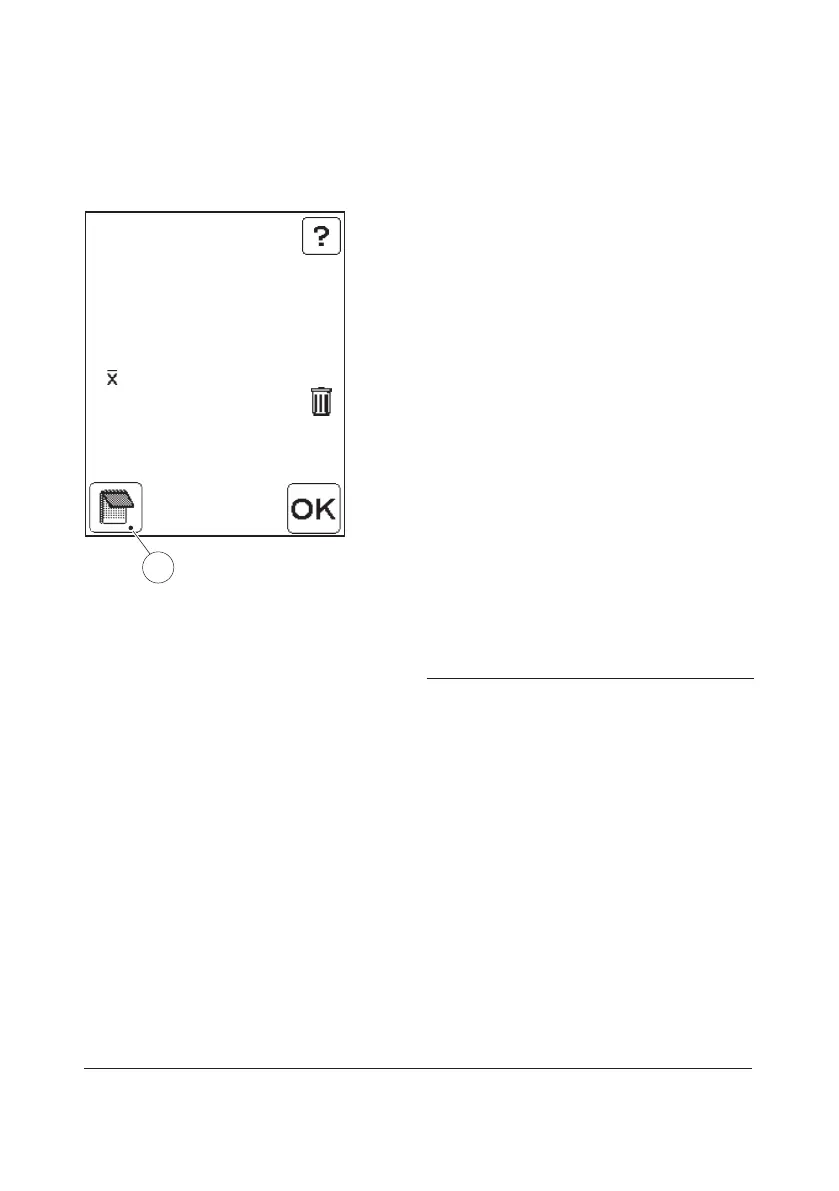
Verified sample
Patient Test
PID: 750629-3694
LID: 12345
= 64 mg/dL
1) 63 mg/dL
2) 65 mg/dL
Result Verify
1
FIGURE 4-26
Comments may be added to the results of
verified samples before saving.
a) When the results are presented, press the
Comment input button(1).
b) This text will be displayed:
Comment Cuvette Number 1.
c) To add comments to the result from the
first Cuvette, follow the same procedure
as in 4.1.3 Entering Comments, FIGURE
4-19 to FIGURE 4-23.
d) When the comments for the first Cuvette
are made, this text will be displayed:
Comment Cuvette Number 2.
e) To add comments to the result from the
second Cuvette follow the same
procedure as in 4.1.3 Entering
Comments, FIGURE 4-19 to FIGURE
4-23.
f) FIGURE 4-27 will be displayed.
1 Comment input button



 To Next Page
 Loading...








