33
2.3.5 Entering information with
letters and digits
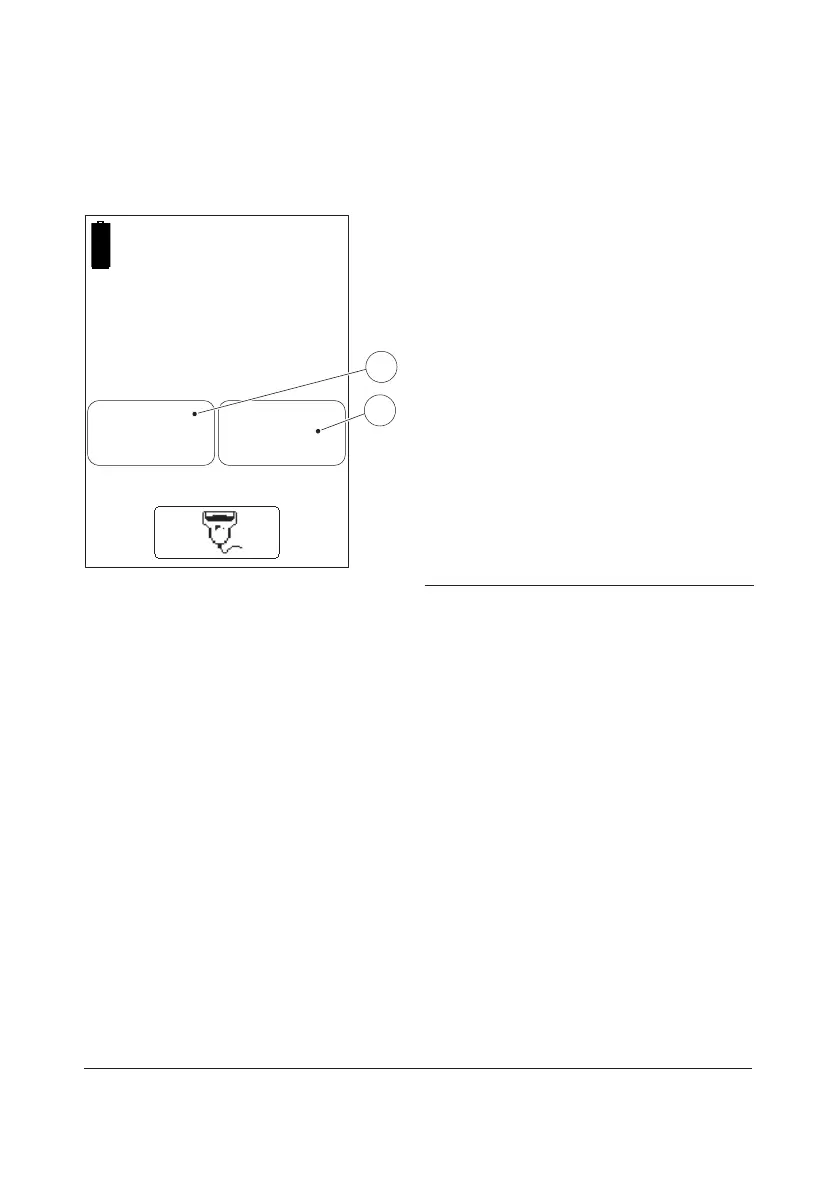
FIGURE 2-25
Inputs to the Analyzer such as Operator ID,
Patient ID, etc. can be made via the display
or via the Barcode Scanner (see section 2.3.6
Entering information from barcodes).
The display can be set to two dierent
modes, text mode for entering letters
(including a few special characters) and
numeric mode for entering digits.
a) Press the Text mode button(1) or the
Numeric mode button(2) depending on if
the first character that is to be entered is
a letter or a digit.
b) Depending on the mode chosen, follow
the description for FIGURE 2-26 or
FIGURE 2-27.
1 Text mode button
2 Numeric mode button
Enter
Operator ID
123ABC
1
2



 To Next Page
 Loading...








