138
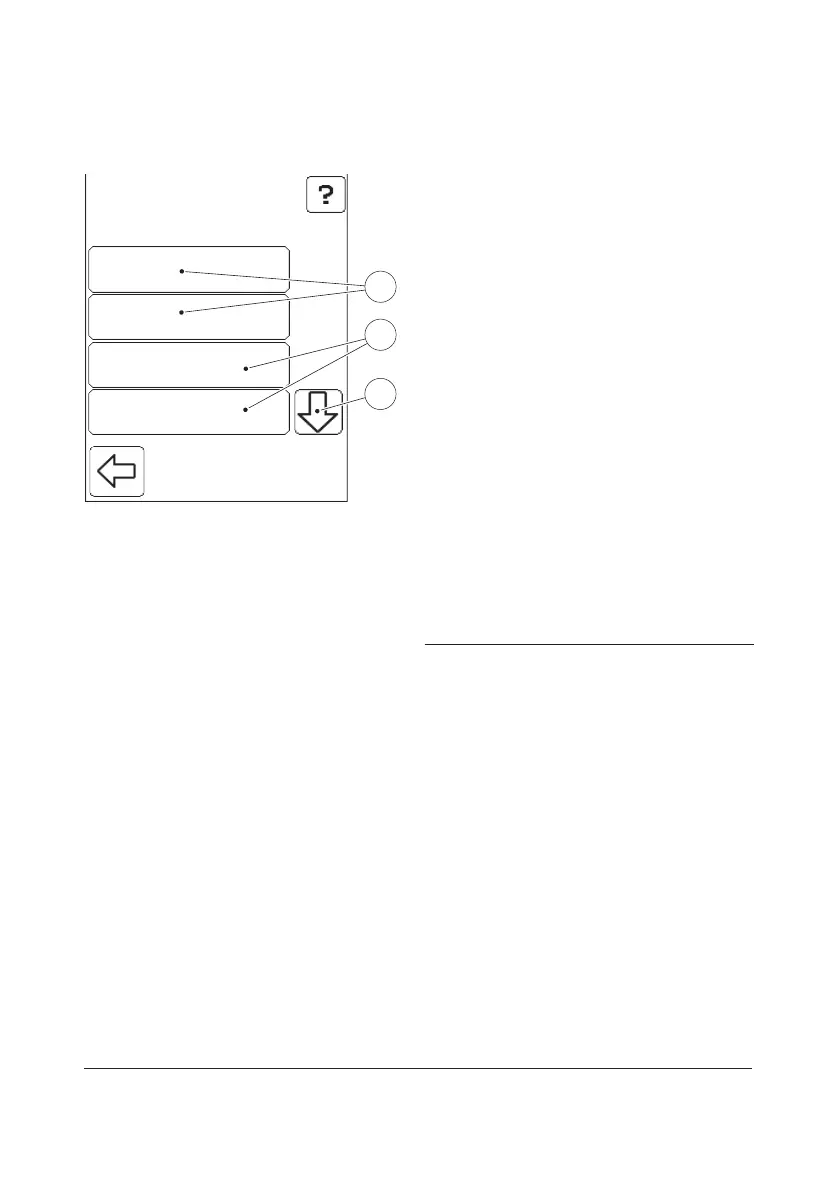
FIGURE 6-17
If there are any already completed levels
within the linearity test, the buttons for these
will have bold text(5).
Continue testing until all levels have been
completed.
g) The levels not visible initially are available
by pressing the Scroll bar arrow(7).
h) Select a level by pressing the button for
it(6).
i) If testing for the selected level has been
completed(5) the following will be
displayed:
Chosen Level has been completed. Do
You Wish to Retest this Level?
j) Press No to return to the current image
or press Yes to continue to image FIGURE
6-18.
If testing for the selected level(6) is not
complete, FIGURE 6-18 is displayed.
5 Buttons for already completed levels
6 Buttons for non-completed levels
7 Scroll bar arrow
Level 2Level 2
Level 3Level 3
Level 4Level 4
Linearity
Level 1Level 1
5
7
6


 To Next Page
 Loading...









