80
Lab Number (LID) requirement
Not UsedNot Used
OptionalOptional
(LID)
3
2
Required
1
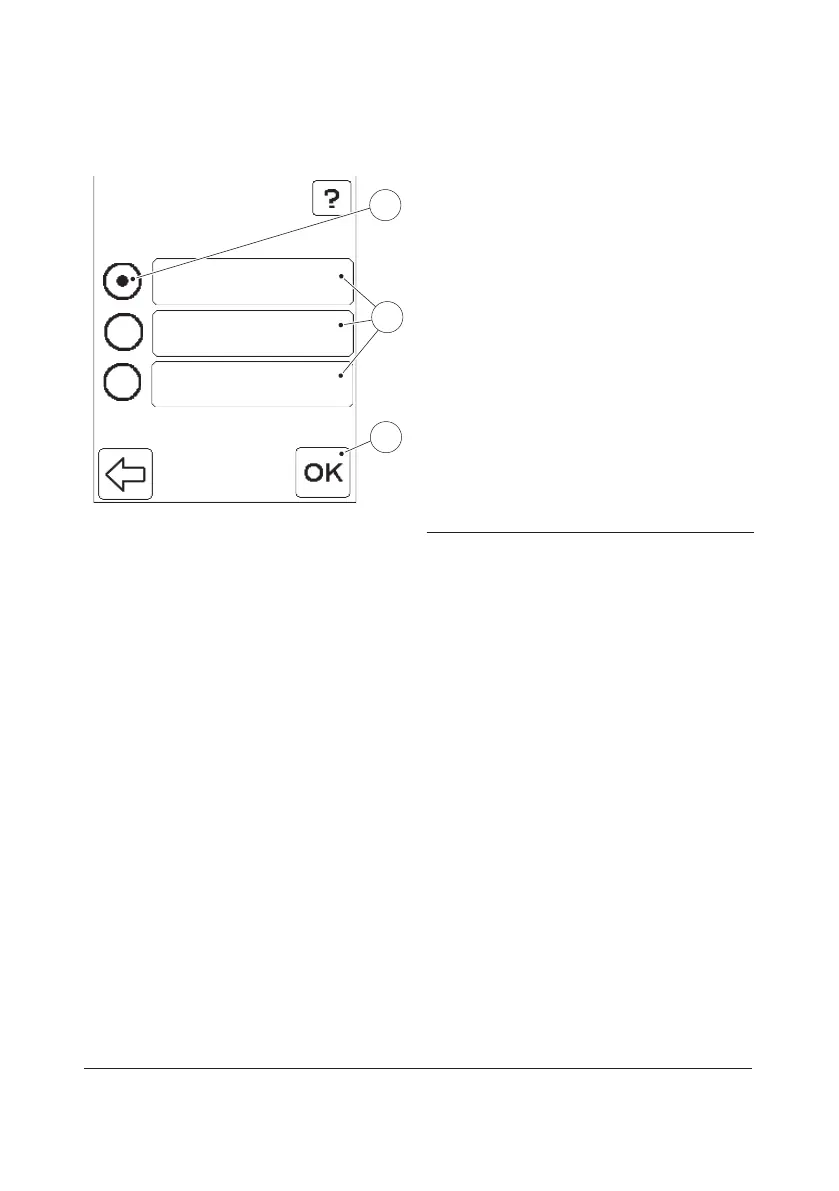
FIGURE 3-60
When the Lab Number (LID) button is
pressed in the Patient Test Settings menu
(see FIGURE 3-55), the settings for Lab ID
requirement are displayed(1).
The option currently in use is indicated by
the selected Radio button(2).
Not Used: The Lab No. cannot be entered.
Optional: The Lab No. can be entered or left
blank.
Required: The Lab No. must be entered.
a) To change the setting, press the button
for the desired option(1).
b) Press the Confirm button(3).
1 Options for Lab Number requirement
2 Selected option
3 Confirm button



 To Next Page
 Loading...








