Figure 6-6 Set RS-485 Parameters
3. Select an peripheral type according to your actual needs.
Note
• Controller represents the access controller, Unit represents the secure door control unit and
Reader represents the card reader.
• If you select Controller: If connect the device to a terminal via the RS-485 interface, set the
RS-485 address as 2. If you connect the device to a controller, set the RS-485 address
according to the door No.
4. Tap to save the network parameters.
Note
If you change the external device, and aer you save the device parameters, the device will
reboot automacally.
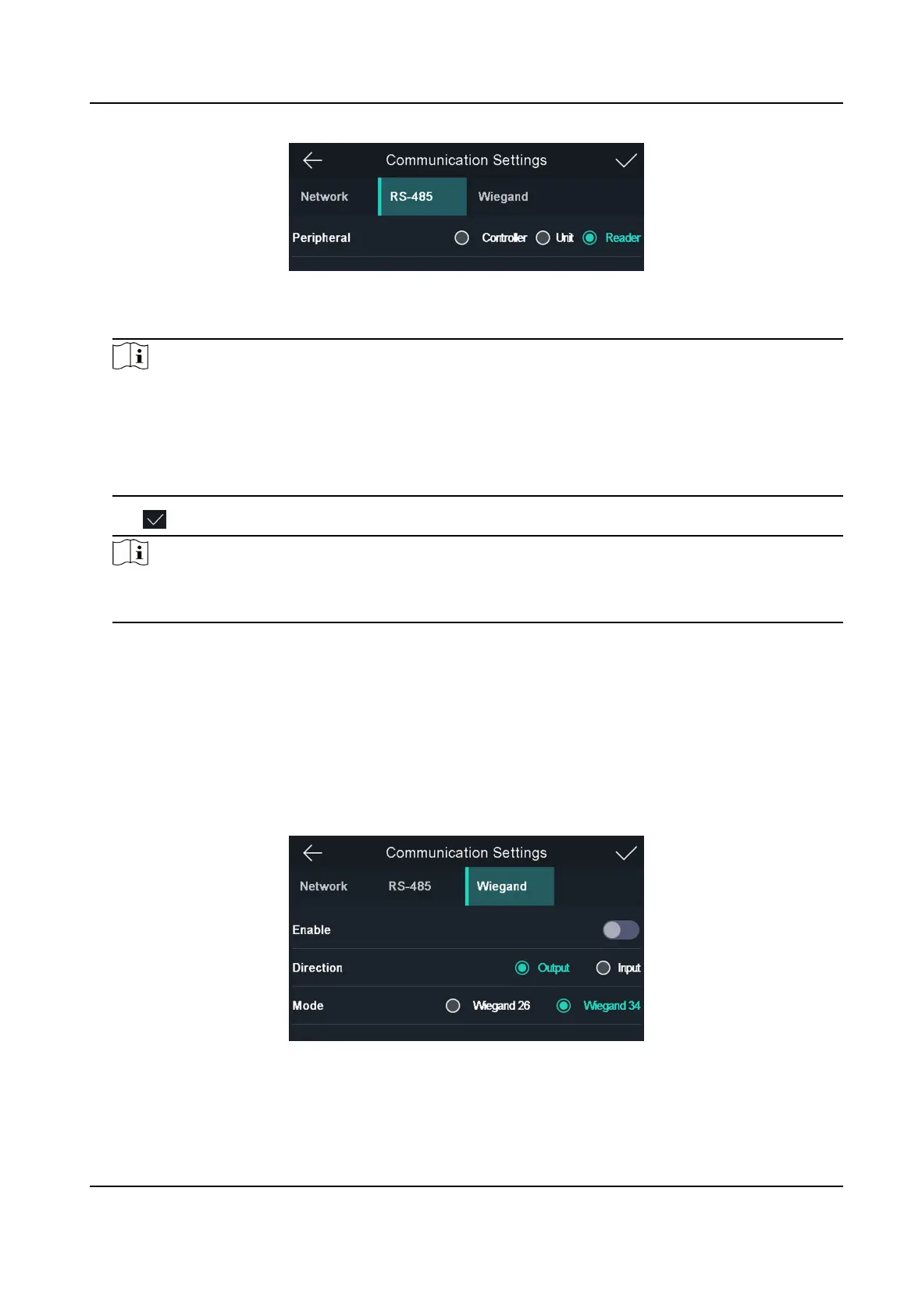
6.3.3 Set Wiegand Parameters
You can set the Wiegand transmission direcon.
Steps
1. Tap Comm. (Communicaon Sengs) on the Home page to enter the Communicaon Sengs
page.
2. On the Communicaon Sengs page, tap Wiegand to enter the Wiegand tab.
Figure 6-7 Wiegand Sengs
3. Enable the Wiegand funcon.
4. Select a transmission direcon.
Face Recognion Terminal User Manual
28



 To Next Page
 Loading...