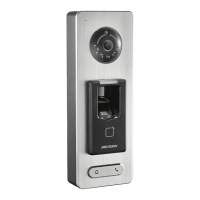
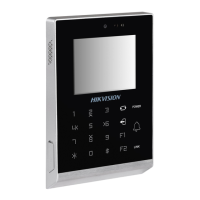
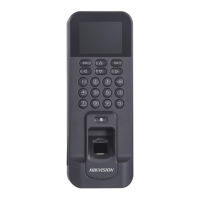
Figure 6-14 Access Control Parameters
The available parameters descripons are as follows:
Table 6-4 Access Control Parameters Descripons
Parameter Descripon
Terminal Auth. Mode Select the face recognion terminal's authencaon mode. You
can also customize the authencaon mode.
Note
• Biometric
recognion products are not 100% applicable to
an-spoong environments. If you require a higher security
level, use mulple authencaon modes.
• If you adopt mulple authencaon modes, you should
authencate other methods before authencang face.
Reader Auth. Mode Select the card reader's authencaon mode.
Remote Authencaon When you authencate the permission, the plaorm will control
whether to grant the access or not remotely.
Door Contact You can select Open or Closed according to your actual needs.
By default, it is closed.
Door Locked Time Set the door unlocking duraon. If the door is not opened for
the set me, the door will be locked. Available door locked me
range: 1 to 255 s.
Face Recognion Terminal User Manual
46


 To Next Page
 Loading...