Symbols
Progressa™ Bed User Manual (171528 REV 1) 11
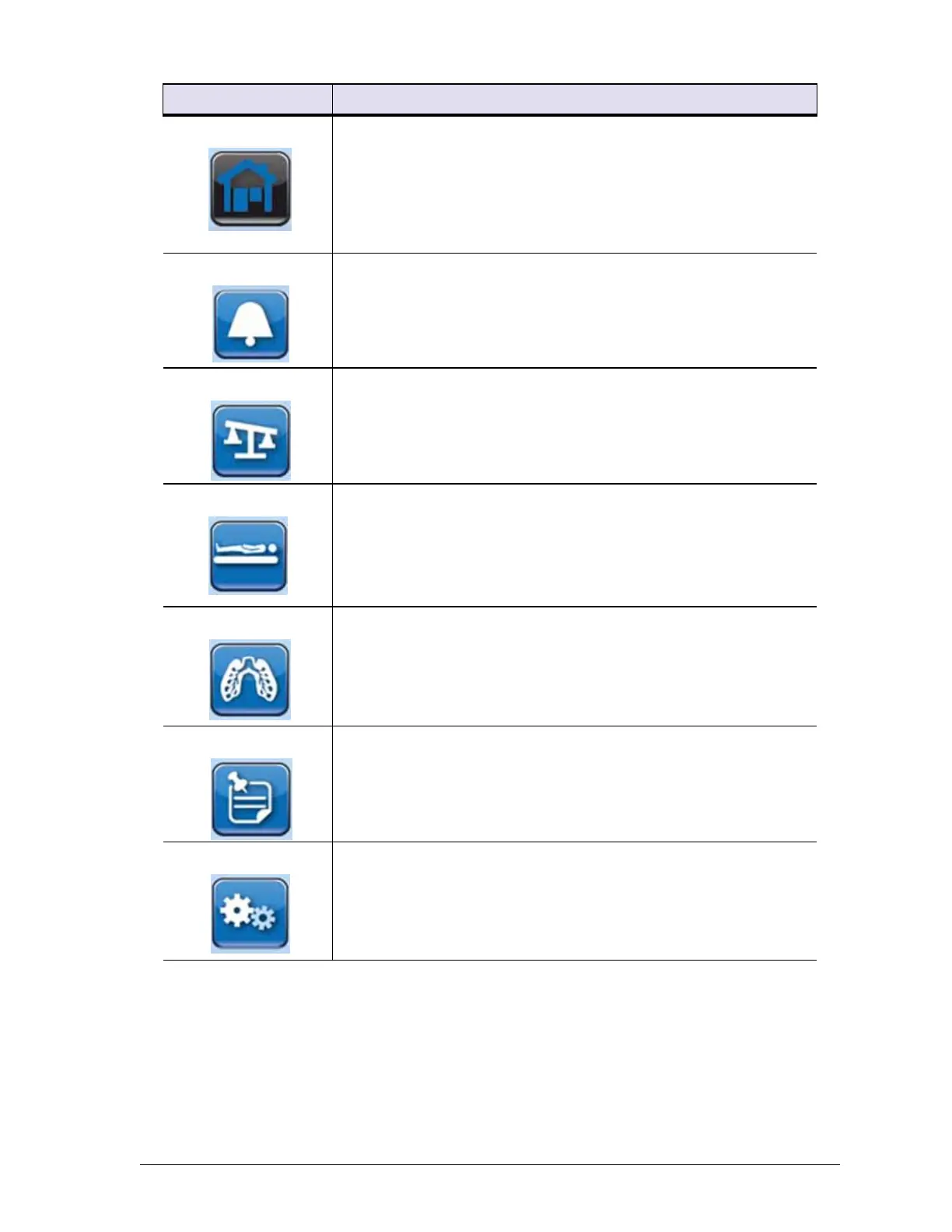
Home screen—press to return to the GCI home screen (see “Graphi-
cal Caregiver Interface (GCI)® Controls” on page 27)
Alarms control—press to go to the Alarms section on the GCI (see
“Graphical Caregiver Interface (GCI)® Controls” on page 27)
Scale control—press to go to the Scale section on the GCI (see
“Graphical Caregiver Interface (GCI)® Controls” on page 27)
Surface control—press to go to the Surface section on the GCI (see
“Graphical Caregiver Interface (GCI)® Controls” on page 27)
Therapy control—press to go to the Therapy section on the GCI (see
“Graphical Caregiver Interface (GCI)® Controls” on page 27)
Reminders control—press to go to the Reminders section on the GCI
(see “Graphical Caregiver Interface (GCI)® Controls” on page 27)
Preferences control—press to go to the Preferences section on the
GCI (see “Graphical Caregiver Interface (GCI)® Controls” on page
27)
Symbol Description












 To Next Page