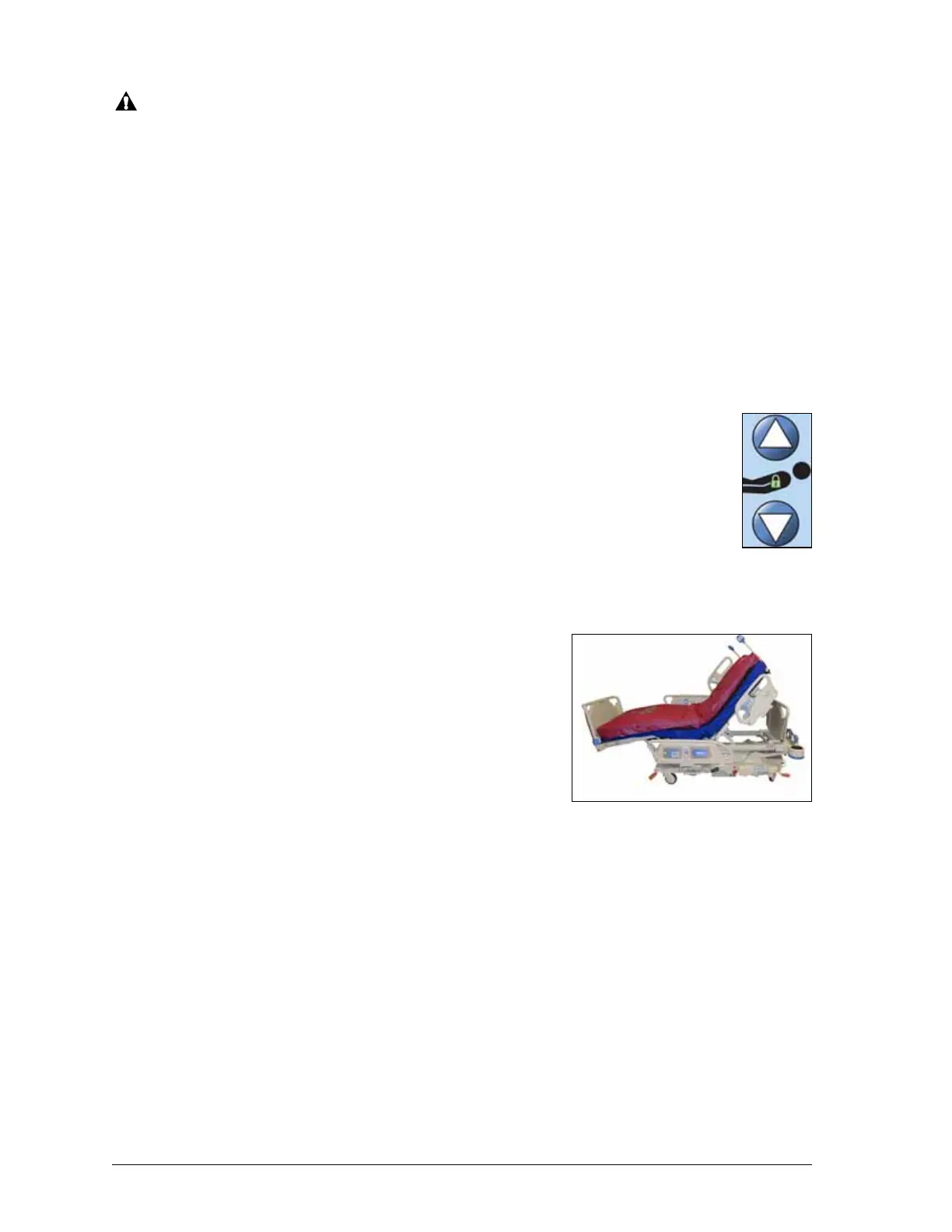
Caregiver Siderail Controls
18 Progressa™ Bed User Manual (171528 REV 1)
CAUTION:
Make sure there is sufficient headwall clearance when you raise/lower the bed. Equipment
damage could occur.
To Activate:
• Press and hold the Bed Up control to raise the bed or press and hold the Bed Down control to
lower the bed. Release the control when the desired height is reached.
• To disable the Bed Up/Down - Activate the Up/Down lockout control.
NOTE:
While holding the Bed Down button, the bed motion will slow down just before reaching the
lowest position. Continue holding the Bed Down button until the bed stops completely. When
the bed reaches the lowest position, the "Bed Not in Low position indicator" on the
intermediate siderail control panel will go out and the bed position indicator on the home
screen of the GCI will turn green.
Head Up/Down
The caregiver can raise or lower the head section by using the Head Up/Down controls.
Use the Line-of-Site® Angle Indicators on the siderails or the GCI to see the specific angle.
(see “Lockout Controls” on page 17)
To Activate:
• Press and hold the Head Up control to raise the head section. Release the control
at the applicable position.
• Press and hold the Head Down control to lower the head section. Release the control at the
applicable position.
Additionally, the bed is equipped with an automatic contour
mode. When the Head Up control is pressed, the automatic
contour mode raises the knee section to a maximum of 20°.
When the head section is lowered, the knee section will go to
the flat position.
• Automatic Contour Feature - Press and hold the Head
control. The head and knee sections rise together to
reduce patient migration toward the foot end of the bed.
To Disable Automatic Contour
Activate the Knee lockout control or press the Knee down control while you press the Head Up
control to prevent the knee from moving.
StayInPlace™ Feature
Developed by Hill-Rom’s ergonomic research labs, the StayInPlace™ advanced articulation
technology mimics the natural movement of the patient that occurs while transitioning between the
supine and upright positions. The StayInPlace™ Feature helps keep patients optimally positioned to
minimize migration toward the foot end of the bed as the head of bed is raised.











 To Next Page