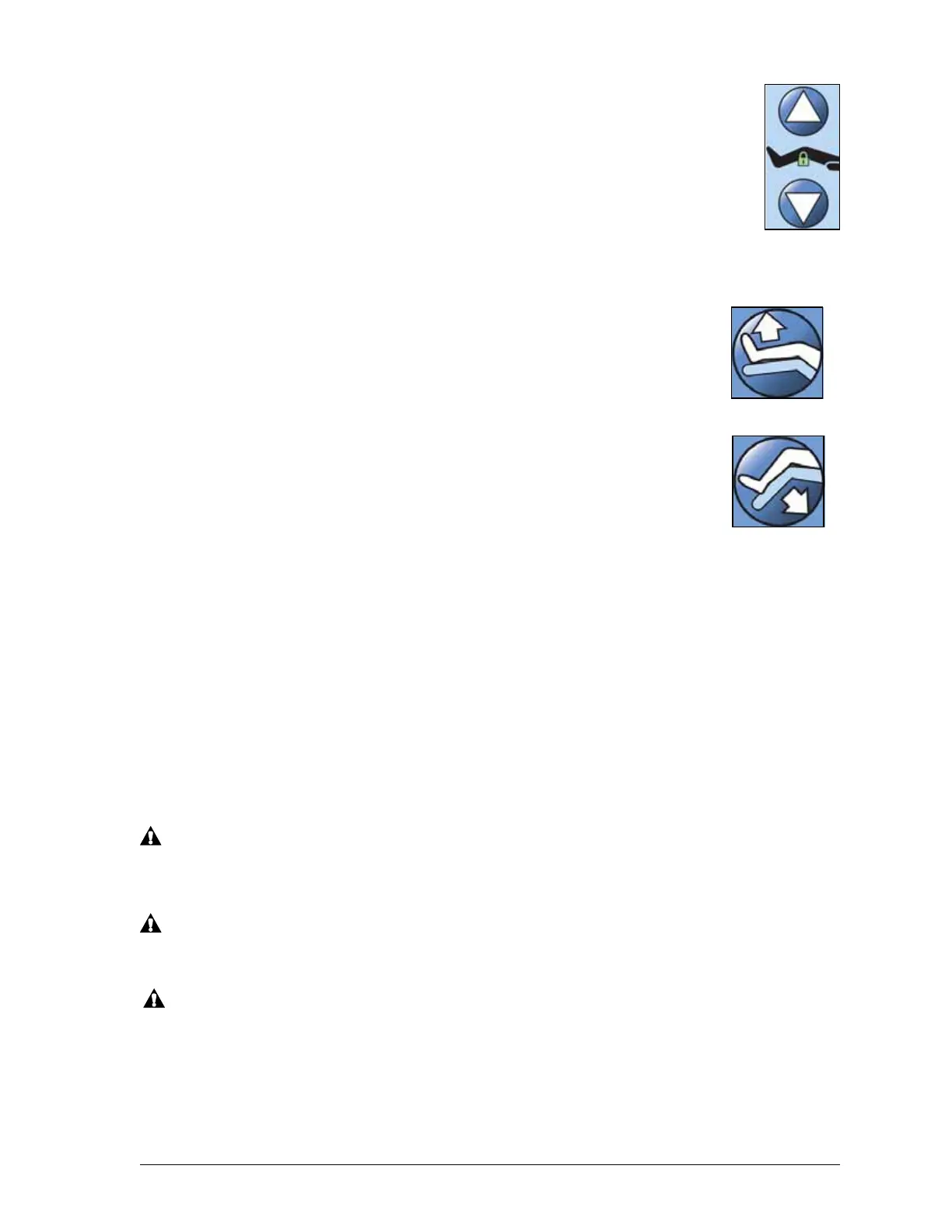
Caregiver Siderail Controls
Progressa™ Bed User Manual (171528 REV 1) 19
Knee Up/Down
The caregiver can raise or lower the knee section by using the Knee Up/Down controls.
To lock out a control, see “Lockout Controls” on page 17.
To Activate
• Knee Up - Press and hold the Knee control to raise the knee section.
• Knee Down—Press and hold the Knee control to lower the knee section.
The automatic contour feature does not change the head angle when only using the Knee
Up/Down controls.
Foot Elevate (Foot Up/Down)
The foot section angle can be changed by using the Foot Up/Down controls. (see
“Lockout Controls” on page 17)
NOTE:
The Foot Up control also operates the Leg Elevation feature (see “Lower
Leg Elevation (Vascular Position)” on page 20).
Foot Down
The foot section can be lowered from zero (flat) to approximately 70 degrees
down from horizontal.
To Activate Foot DOWN
Press and hold the Foot Down control to lower the foot section
Foot Up
The foot section can be raised from 70 degrees below horizontal to flat.
To Activate Foot UP
Press and hold the Foot Up control. The foot section will raise if it had been previously lowered using
Foot Down.
NOTE:
The Foot Up control also operates the Lower Leg Elevation.
WARNING:
Lowering the foot section may cause linens, drainage bags, and other equipment to come in
contact with the floor. Follow facility protocol if they touch the floor. Injury could occur.
WARNING:
Do not use ankle restraints when you activate this feature; injury to the patient may occur.
CAUTION:
Before you activate the foot section controls, make sure the area around the foot section is clear of
equipment, or equipment damage may occur.
Foot Up
Foot Down











 To Next Page