Surfaces
64 Progressa™ Bed User Manual (171528 REV 1)
Patient History
To view the Patient History:
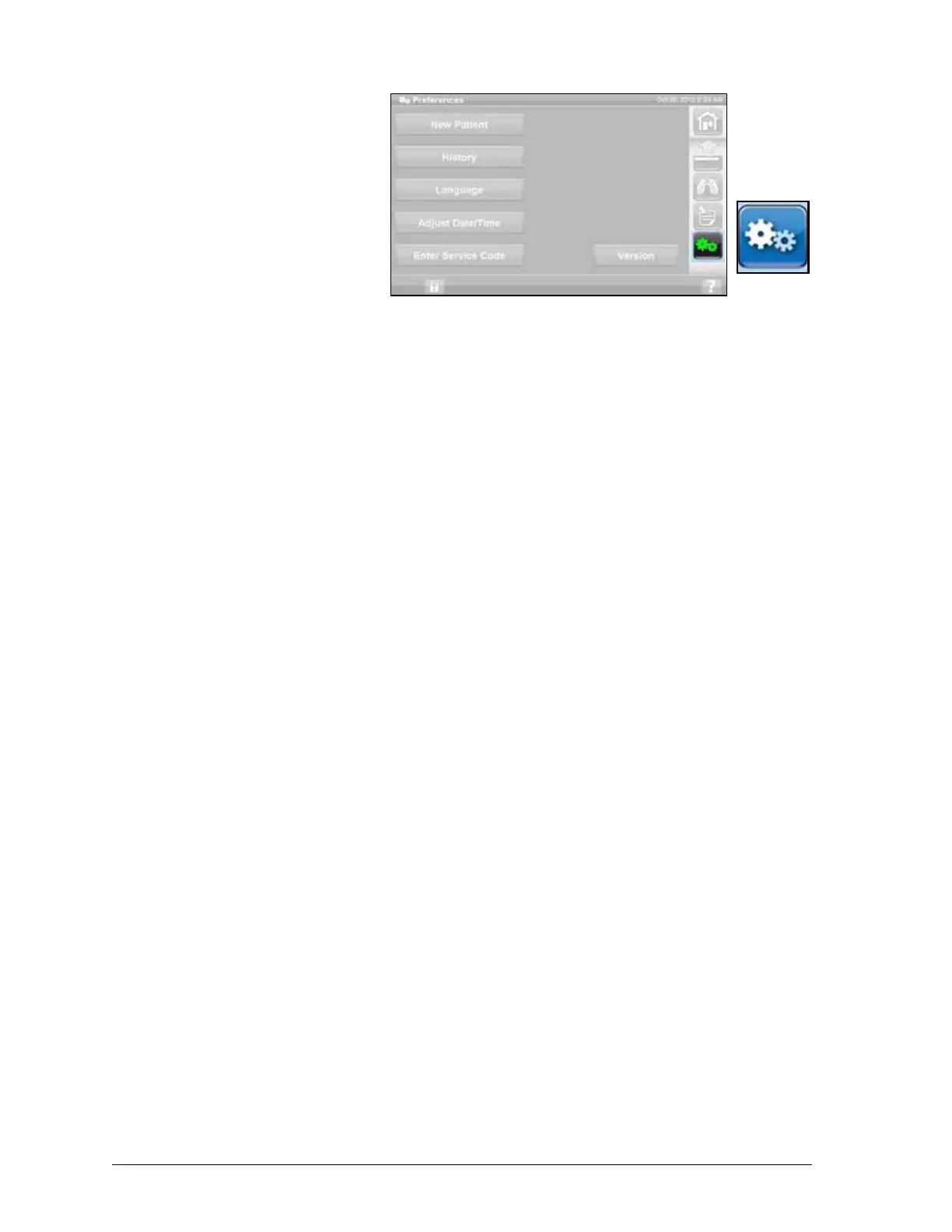
1. Press the Preferences
control on the GCI home
screen.
2. Press History.
3. Select the desired history to
be viewed.
A History button is present in each
area of the GCI that has history
associated with it.
Rotation: Displays the maximum
number of cycles/hour the patient has rotated and Hrs: Mins in rotation, in 24 hours.
Percussion and Vibration: Displays the number of treatments provided per 24-hour period.
OPTI·REST: Time spent in OPTI·REST mode since 12 am.
Head Angle: Time spent with the head of bed more than 30° or 45° since 12 am.
Weight: Displays the weight increase or decrease in 24-hour periods.
Chair: Time spent in Chair position since 12 am.
Bed Exit: Displays the time spent with the Bed Exit alarm on.











 To Next Page