Caregiver Siderail Controls
Progressa™ Bed User Manual (171528 REV 1) 21
To Activate
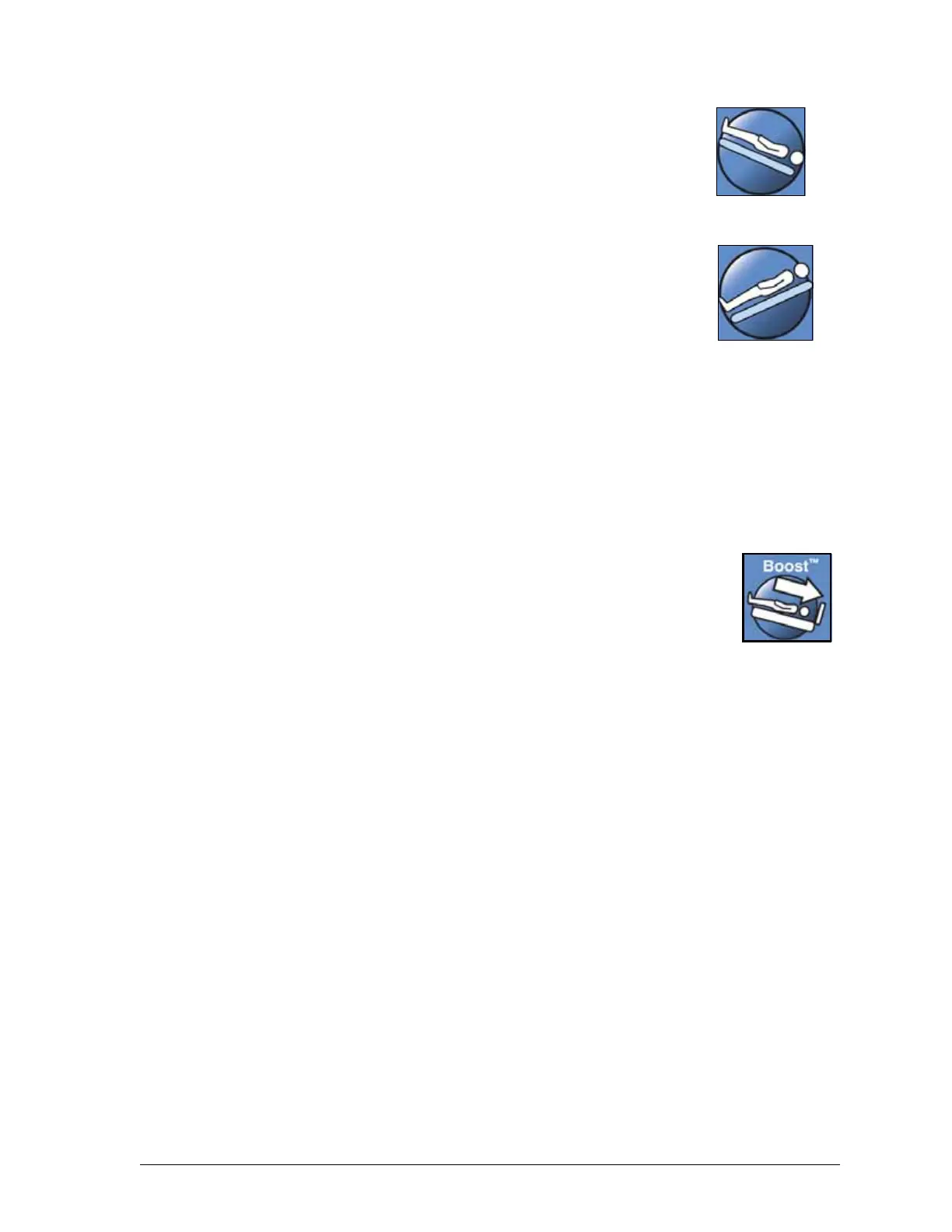
• Trendelenburg - Press and hold the Trendelenburg control. The foot
end of the bed raises relative to the head end.
• Reverse Trendelenburg - Press and hold the Reverse Trendelenburg
control. The head end of the bed raises relative to the foot end.
To Deactivate
• Return to flat position - Press the opposite control. (If in Trendelenburg
- press Reverse Trendelenburg. If in Reverse Trendelenburg - press
Trendelenburg.) When the level position is reached, the bed will
pause. You can also press the Bed Flat control. (See “Bed Flat
Control” on page 25.)
If the foot section is in the down position when Reverse Trendelenburg is
activated, the foot section will automatically raise. This prevents the articulated
foot section from interfering with the floor.
The Progressa Bed will not move to the Trendelenburg/ Reverse
Trendelenburg position if the bed up/down controls are locked out.
Boost® Position System
The Boost® Position System assists with the movement of the patient to the head end of the bed.
The Boost® Position System will not work if the bed up down controls are locked out.
1. Press and hold the Boost control on the siderail.
– If the bed has an air system, the mattress will go into Max- Inflate for 30
minutes.
– Flattens the head and foot
– May adjust bed height
– If desired, you can continue to hold the button, the bed will transition to the Trendelenburg
position
2. Release the Boost control when the desired position is reached.
3. Reposition the patient as needed.
To return to the flat position, press and hold the Bed Flat control and if the bed has an air system,
press Normal on the GCI on the Surfaces screen.
Trendelenburg
Reverse
Trendelenburg











 To Next Page