EasyManua.ls Logo

Hitachi PXR-D - Touch Screen Setup

Hitachi PXR-D
319 pages
Print Icon
To Next Page IconTo Next Page
To Previous Page IconTo Previous Page
Loading...
Touch Screen Setup 4-17
4.7 Touch Screen Setup
1Overview
Function
Description
¡
Specifies the lighting time of the screen.
[Caution] If you set "Off in 30 min" or "Illuminated", cumulative
lighting time reduces illuminance.
¡
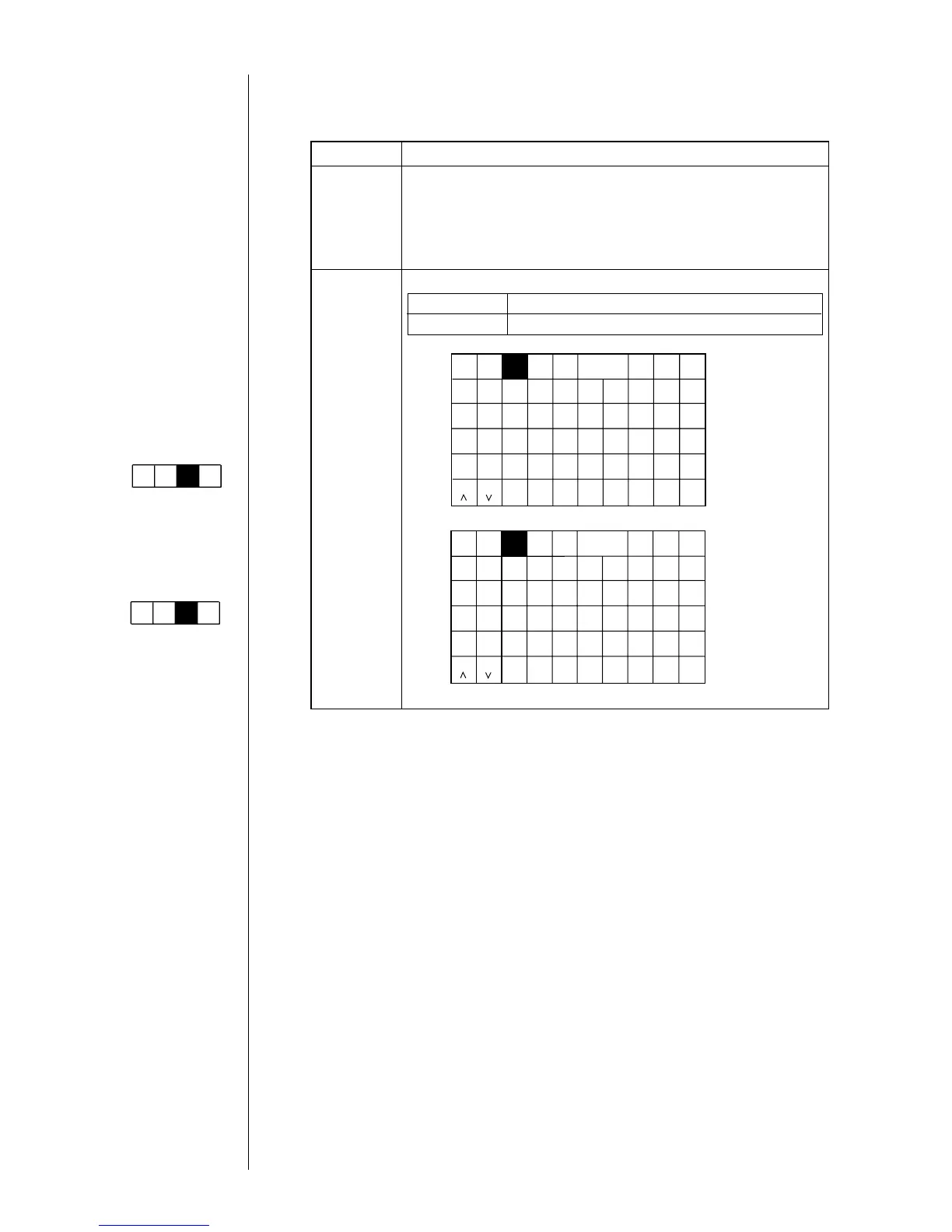
Changes the key allocations of alphanumeric keyboard.
Display
Keyboard
layout
ABC Alphabetical order allocations (default)
QWERTY Allocations generally used for PC, etc.

Kana
Dedi-
cated
User
pat-
tern
Calendar
/count
Punct.
Insert
Delete
×
Space Blank
Back-
space
()
1234567890
ABC
123・
ABC allocations
Kana
Arabic
Arabic
User
pat-
tern
Calendar
/count
Punct.
Insert
Delete
A
Z
Q
S
X
W
D
C
E
F
V
R
G
B
T
H
N
Y
J
M
U
K
,
I
L
.
O
+
P
Space Blank
Back-
space
()
×
1234567890
ABC
123・
QWERTY allocations
Dedi-
cated
Shift
Shift
Shift Shift
Keybord display has
been set to one of the
follwing settings:
"When KANA and
dedicated characters
can be input."
Kana
Dedi-
cated
ABC
123・
Arabic
(The "Arabic input" be
unable to do in "Simple
Chinese".)
"When special
characters can be
input."
Spe-
cial
Spe-
cial2
ABC
123・
Arabic

Table of Contents

Related product manuals