●
Standard Communication Functions
6-11
》《
11/07/07
ABCDE
Column 1 Column 2 Column 3
[ABCDE・・・・・] [・・・・・・・・・・] [・・・・・・・・・・]
[YY/MM/DD・・] [・・・・・・・・・・] [・・・・・・・・・・]
Print description
Massage name
[
]
2011.07.07 12:45
Manual
Maintenance
Auxiliary
function
Show fault
Menu
Prev.
col.
Next
col.
Print layout
Status:Ready
Com=1
Start
up
Shut
down
Comm
On/Off
Operation
management
Environment
setup menu
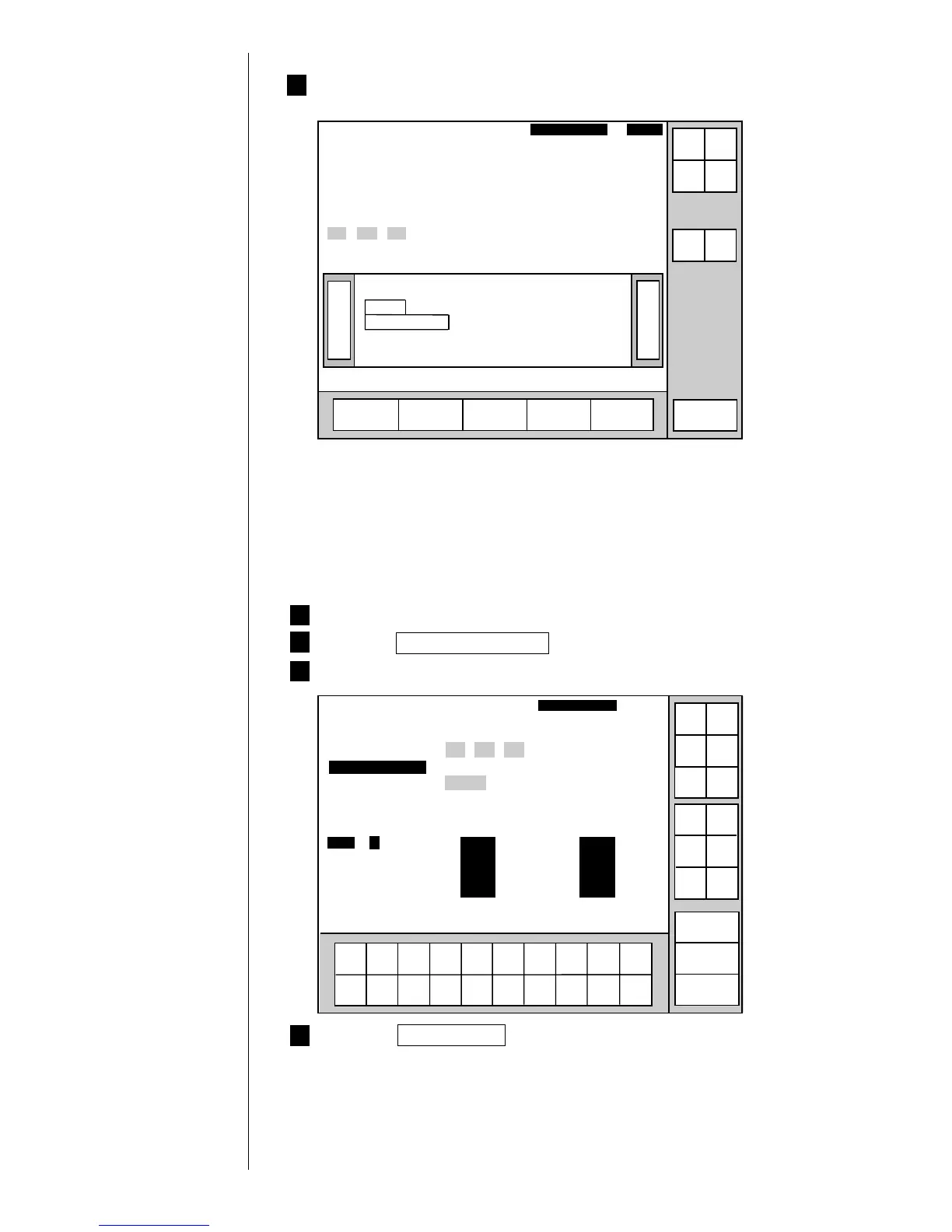
5 The print description will change to calendar characters.
6.3.6 Calendar Conditions Transmission
¡
The following shows an example of changing the offset of day from "0000" to "0003":
1 Assume that the printer is ready for printing.
2 Press the Calender conditions in the "Edit message" screen.
3 The offset of day "0000" has already been entered.
1234567890
Incre-
ment
Decre-
ment
Calendar conditions
Column 1 Column 2 Column 3
[USE BY・・・・] [YY.MM.DD・・] [・・・・・・・・・・]
[YY.MM.DDhh] [MFG DATE・・] [・・・・・・・・・・]
[ABC・・・・・・・] [CCCC・・・・・・] [・・・・・・・・・・]
2011.07.07 12:45
Back
<Offset> <Substitution rules> <Zero-suppression>
Year [0000][0](0:Disable 1:Enable)[0](0:Disable 1:Enable)
Month
[
0000][0](0:Disable 1:Enable)[0](0:Disable 1:Enable)
Day [0000][0](0:Disable 1:Enable)[0](0:Disable 1:Enable)
Hour [0000]
[
0](0:Disable 1:Enable)[0](0:Disable 1:Enable)
Minute [0000]
Substitution rules No. [01]
Manual
Show
cursor
Prev.
item
Next
item
↓
↑
→
←
Status: Ready Com=0
Substitution
rules
Message name
[
]
Start
up
Shut
down
Comm
On/Off
4 Press the Comm On/Off key.
The status then changes from "off-line" to "on-line".



 To Next Page
 Loading...









