● Ink Filter Replacement 7-24
6
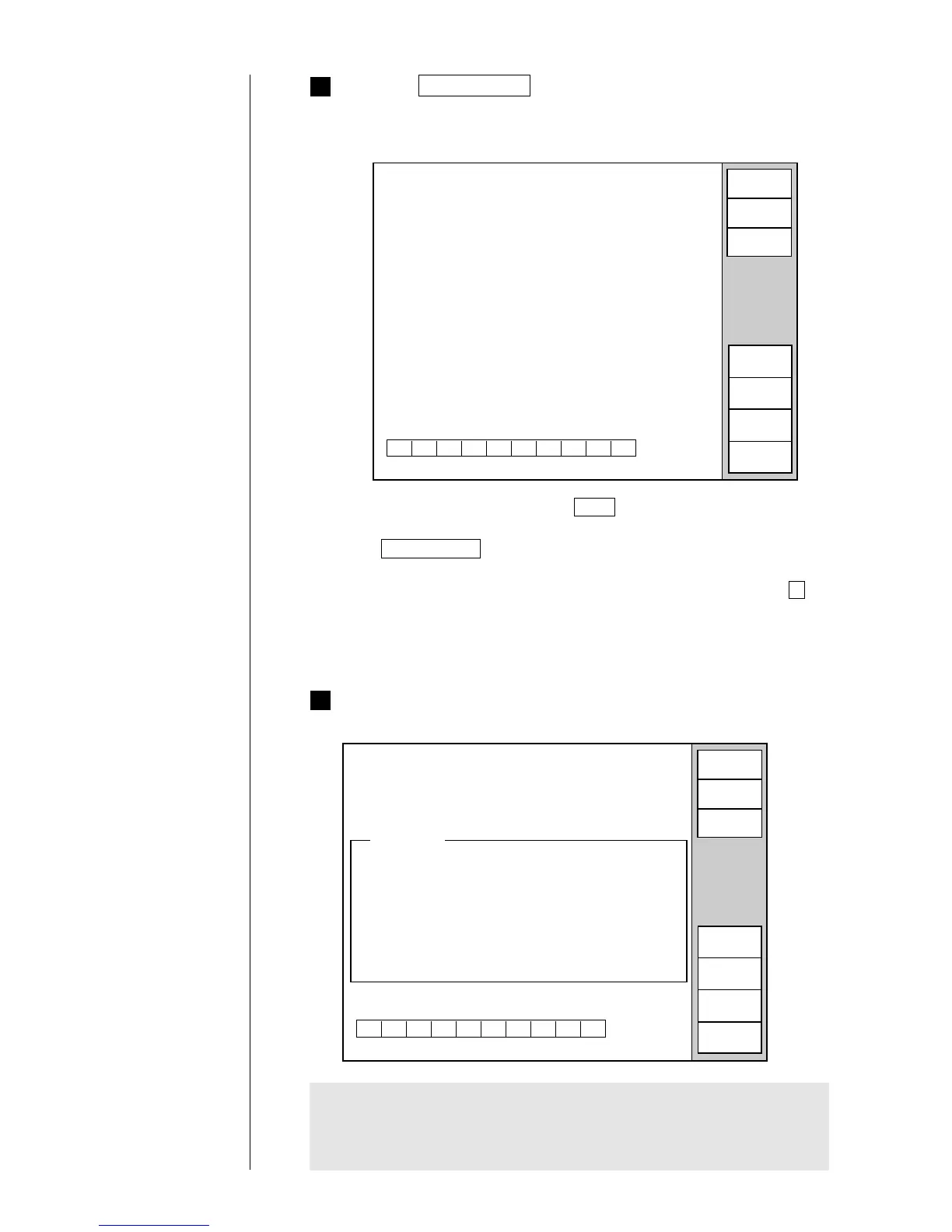
When the predetermined period of time elapses, the following
operating guidance appears on the display.
¡
To abort the sequence, press the Abort key. Then, follow the on-screen
instructions to return the recovery tube to its original position and press
the Start/Continue key . You are then returned to the "Circulation
control" screen.
¡
When you have aborted the sequence, perform the procedure from 1
again.
* When aborting the operation, be sure to return the recovery tube to its
original position.
5
Press the Start/Continue key.
¡
The screen shown below then opens, and the ink in the printer is drained
from the drainage tube.
Circulation control
2011.07.07 12:45
Proc. status: In progress
Function:Ink filter replacement
Proc. time: Approx. 4 minutes.
Status:Service
Abort
Ink drainage
Filter rep.
Ink refill
Circulation control
2011.07.07 12:45
Proc. status:
Function:Ink filter replacement
Operating guide
Connect the recovery tube to
the main ink tank as before.
Press [Start/Continue].
Status:Service
Start/
Continue
Abort
Ink drainage
Filter rep.
Ink refill
Proc. time: Approx. 4 minutes.
*1
Clean the connection at the end of the recovery tube sufficiently with the
makeup ink, and then connect it as it originally was.
*2
To prevent the recovery tube from becoming crimped, be careful not to let
it cross another tube.



 To Next Page
 Loading...









