HEADSET USAGE
6
Battery Removal and Replacement
To change batteries:
When a battery becomes weak, a voice in the headset will say “Change battery.” When this happens,
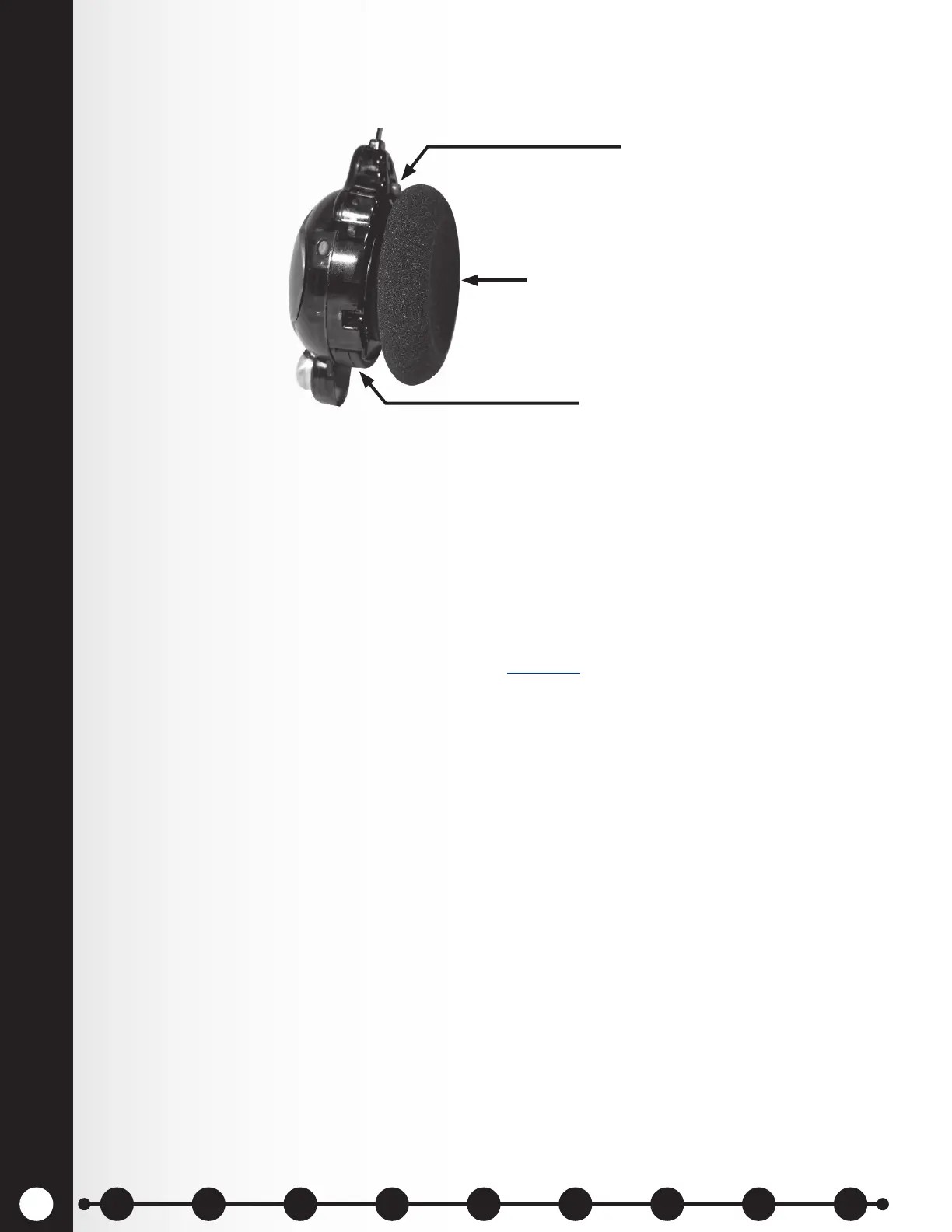
press the battery-release button and slide the battery out of the headset as shown in Figure 7.
To replace batteries:
When replacing a battery in the headset, place the end of the battery with the metal contacts into the
headset, in the same position as the battery you removed. Press the battery carefully in until it snaps in
place.
Recharge batteries according to the instructions on the next page.
Ear piece
Battery
Battery-release
button (blue)
1 2 3 4 5 6 7 8 9
Introduction
EOS|HD
Equipment
EOS|HD
Operation
Audio Processing
Functions
Equipment Care
and Cleaning
Troubleshooting
Equipment
Specications
EOS|HD Message
Center Guide
Important
Notices



 To Next Page