EOS
|
HD OPERATION
62
Password Access Control of EOS|HD Menus
The EOS|HD menus are designed to be easily accessible by store personnel, but can be protected by a
USER PASSWORD to prevent unauthorized changes.
h Store settings menus, Network settings menu, Message Center menus and Volume
adjustment menus can be protected if a User Password is created in the Store Settings, pg.
45. These menus can be accessed using the User Password (provided by HME if the User
Password is forgotten).
h When the password has been entered to access a menu, it will no longer be required to
access other protected menus, as long as there is menu activity. After 5 minutes of no menu
activity, the password will again be required to enter the protected menus. This also applies
to protected web pages.
Password required Menus
None Status screens
Detector menus (Speed team, Reset vehicle detectors)
Registration menus
Diagnostics menus
Service screen
User password
Store settings menus
Network settings menus
Message Center menus
Volume adjustment menus
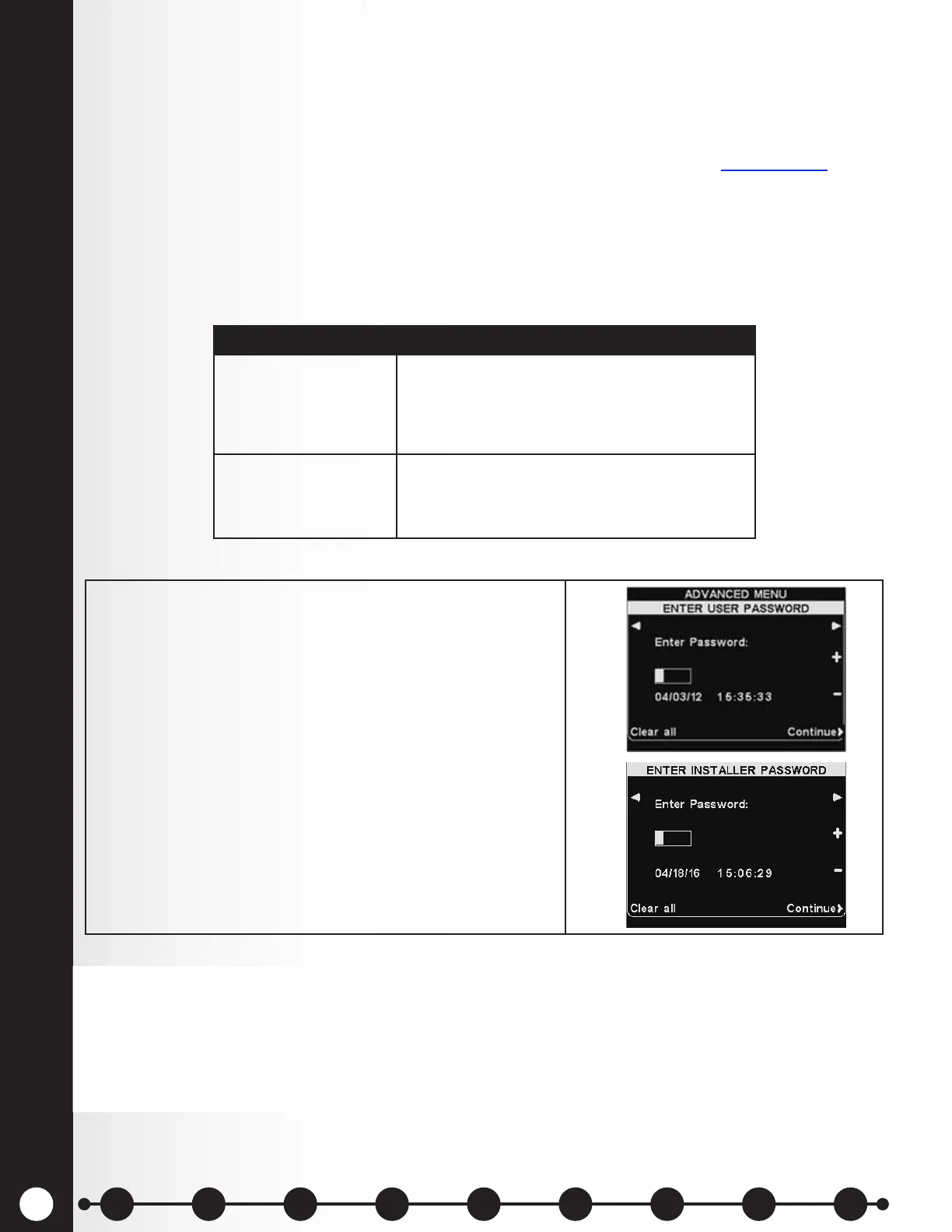
If a password is required, you will see one of the following
displays.
To enter a password, use the ◄ and ► buttons to move
the highlighted box left and right in the Enter Password
eld, and use the + button to put alphabetic characters
in the box, or the − button to put numeric characters in
the box.
Each time you have entered a character of your
password, press the ► button to move the highlighted
box to the next position and enter the next character.
If you want to start over with a new password, press the
Clear all button. After entering your entire password,
press the Continue button.
NOTE:
Some settings are protected by
an Installer Password that is
available only to the installer
or other HME-authorized
personnel.
1 2 3 4 5 6 7 8 9
Introduction
EOS|HD
Equipment
EOS|HD
Operation
Audio Processing
Functions
Equipment Care
and Cleaning
Troubleshooting
Equipment
Specications
EOS|HD Message
Center Guide
Important
Notices



 To Next Page