+$%&
2
HP
PrecisionScan Pro
User’s Guide
25
A tour of the scanning
software
Book Contents
Index
➮
➮
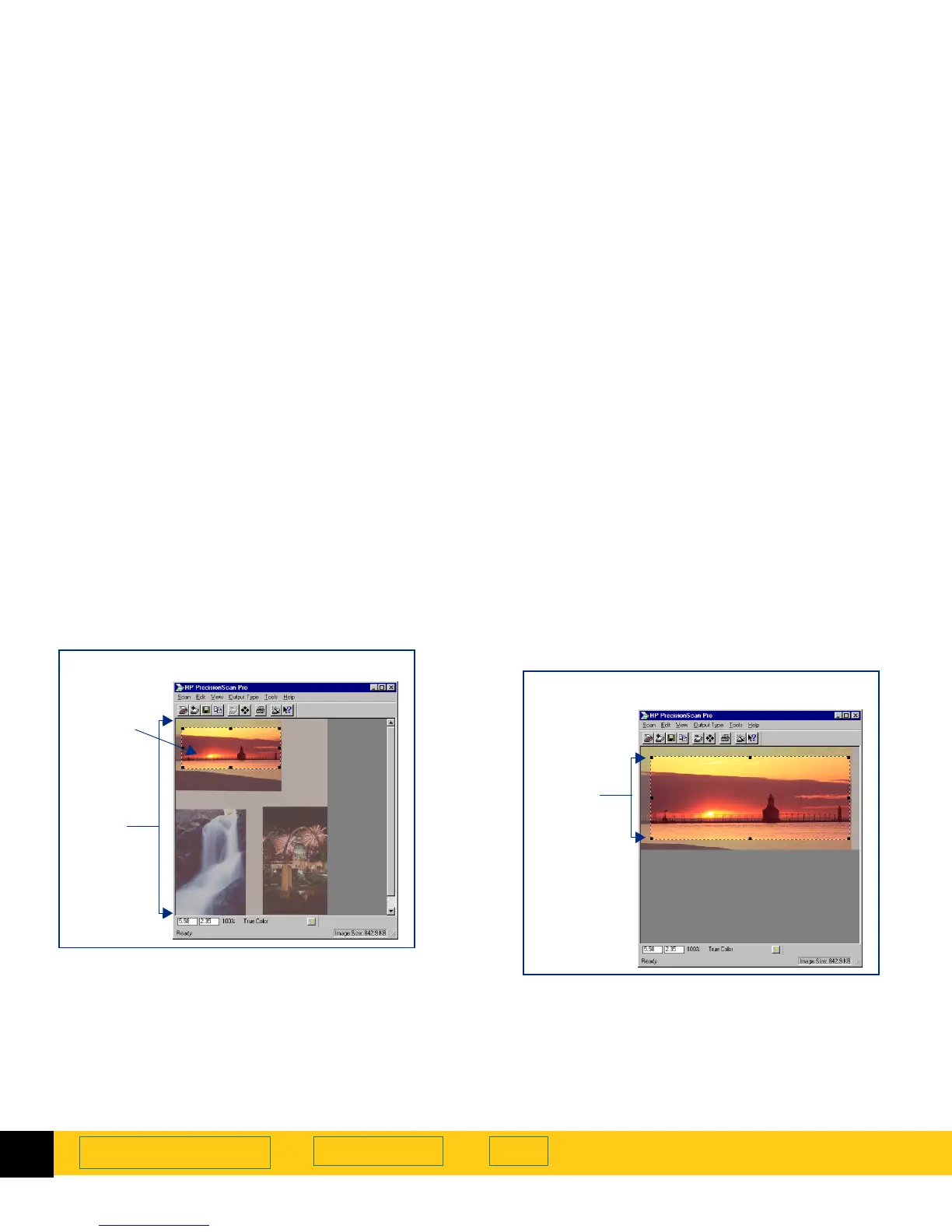
Preview area
The preview area in the scanning software window
displays the:
■
preview image of the entire scanner glass, or
■
zoomed image of the selection area
When you
Preview
scan, the entire scanner glass area
displays in the scanning software window.
Enlarging the preview area
The size of the preview area determines how big the
image displays.
Enlarge the scanning software window when you want
to increase the magnification of the view of a zoomed
image.
Preview
area
A selection area in
Preview
scan
Selection
area
Zoomed
selection
area
Enlarged image after a
Zoom
scan








 To Next Page