+$%&
3
HP
PrecisionScan Pro
User’s Guide
59
Scanning pictures
Book Contents Index
➮
➮
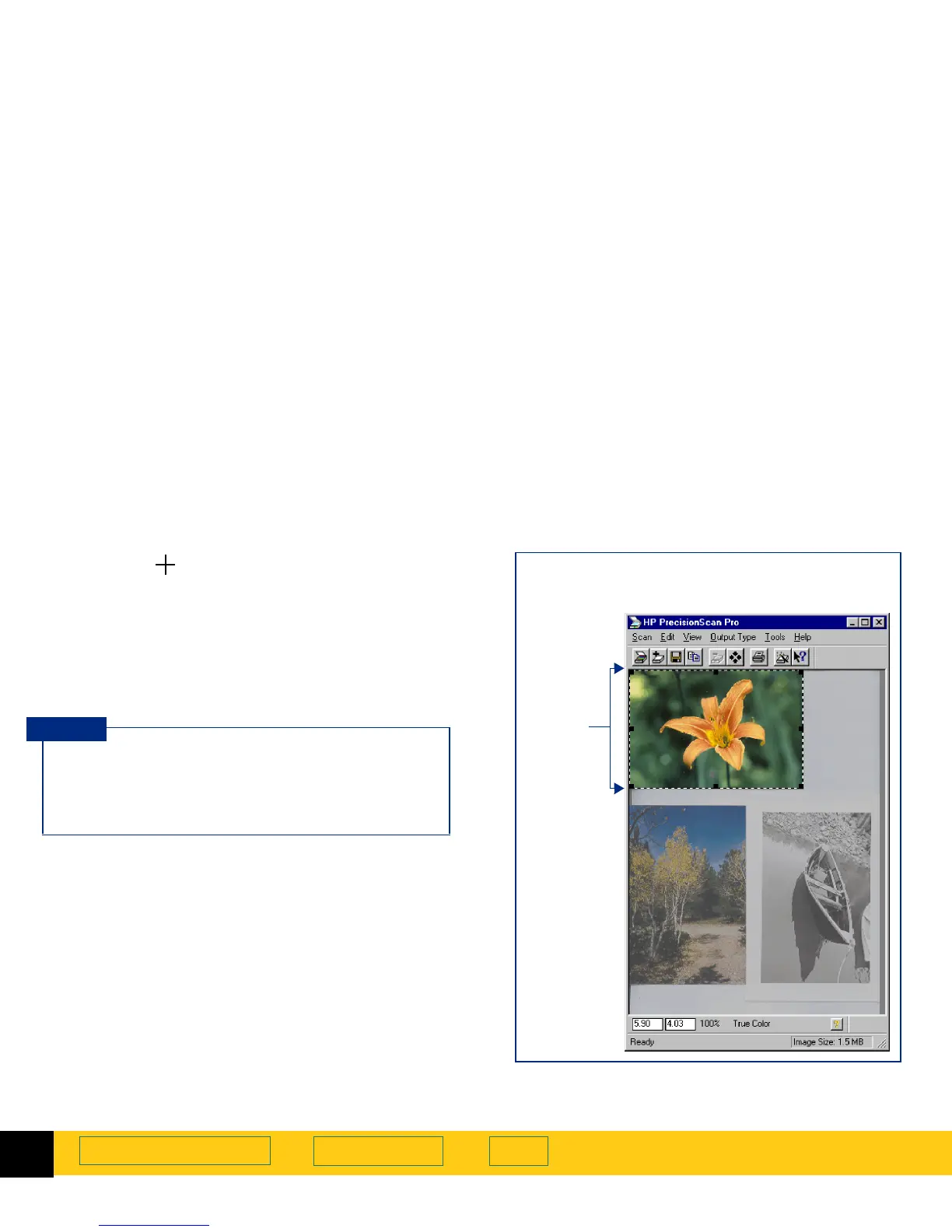
Clicking to create a selection area
1
Position the pointer near the upper-left corner of
the area you want to work with.
2
Click.
A rectangular selection area is created and the parts
of the preview image outside the selection area are
faded to indicate they will not be included in the final
scan.
To enable clicking to create a selection area enable
the Selection Area preference option Automatically
create selection area after a mouse click (see
page
51
).
TIP
A selection border around the picture
Selection
area








 To Next Page