+$%&
3
HP
PrecisionScan Pro
User’s Guide
60
Scanning pictures
Book Contents Index
➮
➮
Drawing to create a selection area
1
Position the pointer over one corner of the area
you want to select.
2
Press the mouse button and drag the pointer
diagonally to create a selection border.
3
Release the mouse button.
Removing the selection area
You can delete the selection area so you can create a
different one.
■
From the
Edit
menu, select
Clear Selection,
or
■
press
Esc
.
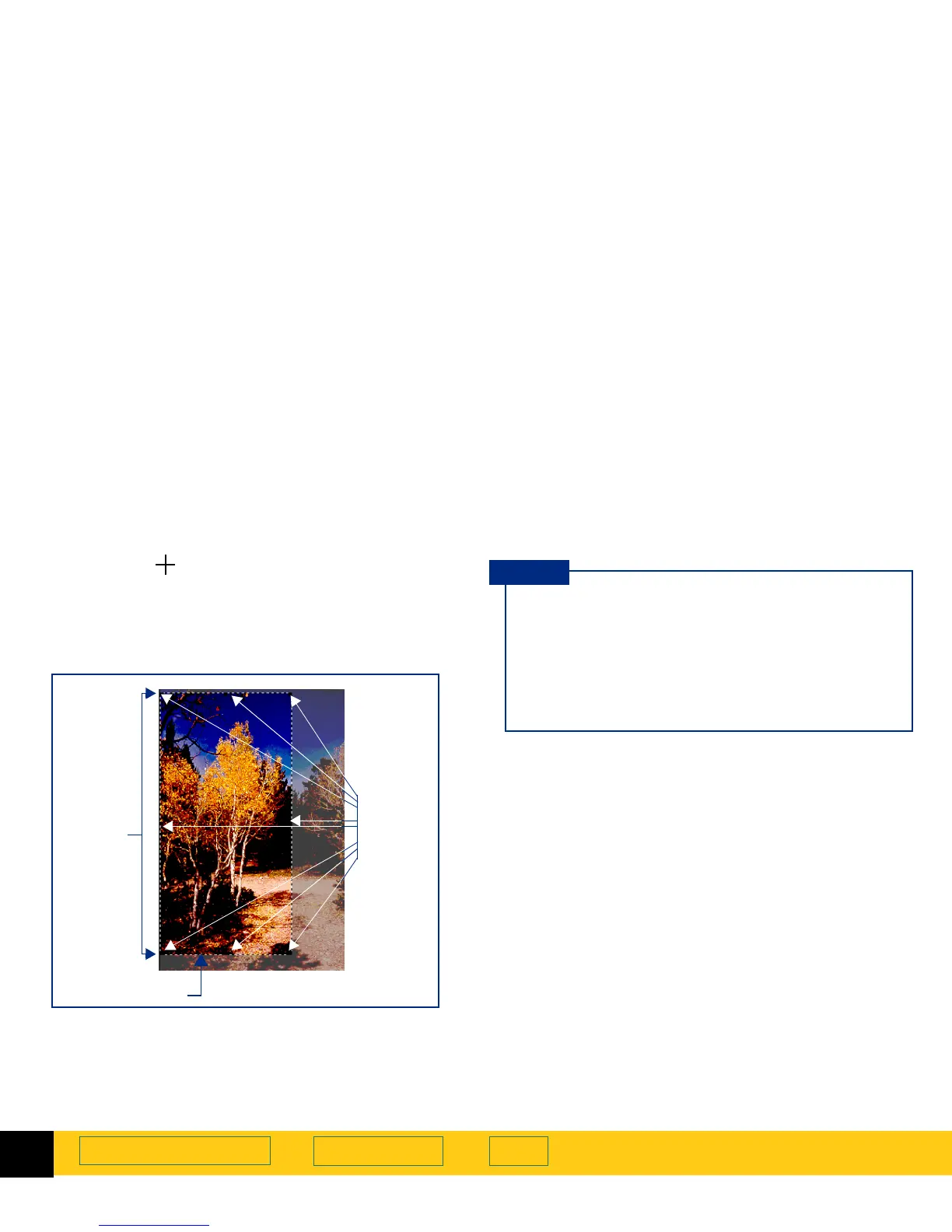
Selection
area
Handles
Selection border
■
A dashed border surrounds the selection area.
■
Handles appear on the corners and in the middle
of each side of the selection border.
■
The image inside the selection border remains
vivid.
■
The image outside the selection border appears
faded.
TIP








 To Next Page