+$%&
3
HP
PrecisionScan Pro
User’s Guide
61
Scanning pictures
Book Contents Index
➮
➮
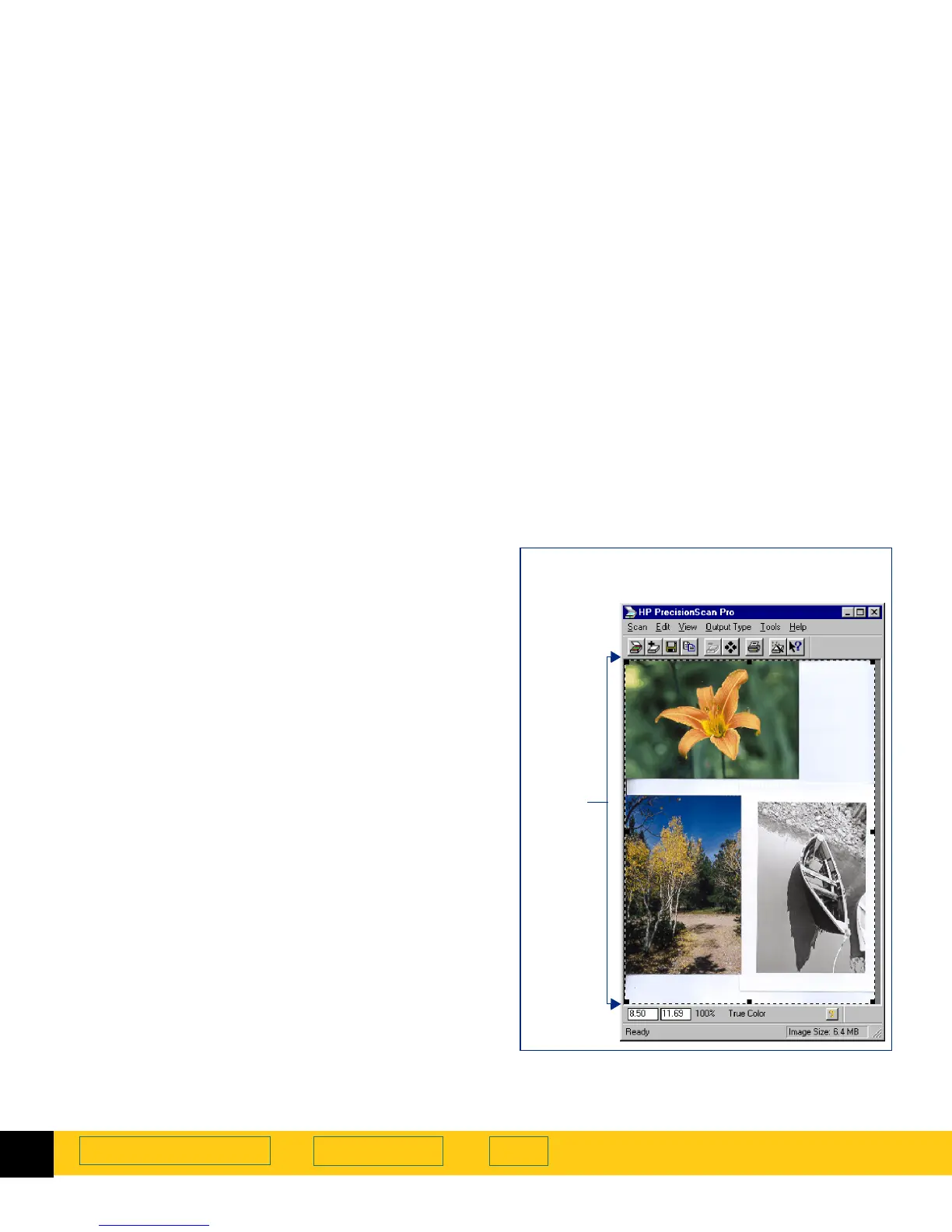
Selecting the entire preview area
After a
Preview
scan, use the
Select All
command to
create a selection area containing the entire preview
area.
■
From the
Edit
menu, select
Select All
– or –
press
Ctrl+A
.
A selection border is drawn around the entire
preview area.
Selecting the entire zoomed area
After a
Zoom
scan, use the
Select All
command to create
a selection area containing the entire zoomed area.
■
From the
Edit
menu, select
Select All
– or –
press
Ctrl+A
.
A selection border is drawn around the entire
zoomed area.
A selection border around the entire
Preview
area








 To Next Page