+$%&
4
HP
PrecisionScan Pro
User’s Guide
80
Adjusting images of
pictures
Book Contents
Index
➮
➮
Changing midtones (brightness)
The
Midtones
control in the
Exposure Adjustment
tool
lets you brighten or darken an image overall by
changing the gamma value.
The range for the number in the
Midtones
field is 1.0 to
4.0.
Brightening the image
To brighten the image overall, increase the number in
the
Midtones
field:
■
Click on the right side of the slider,
– or –
■
type a higher number in the
Midtones
field, then
press
Tab
or
Enter
,
– or –
■
click the UP spin button next to the
Midtones
field.
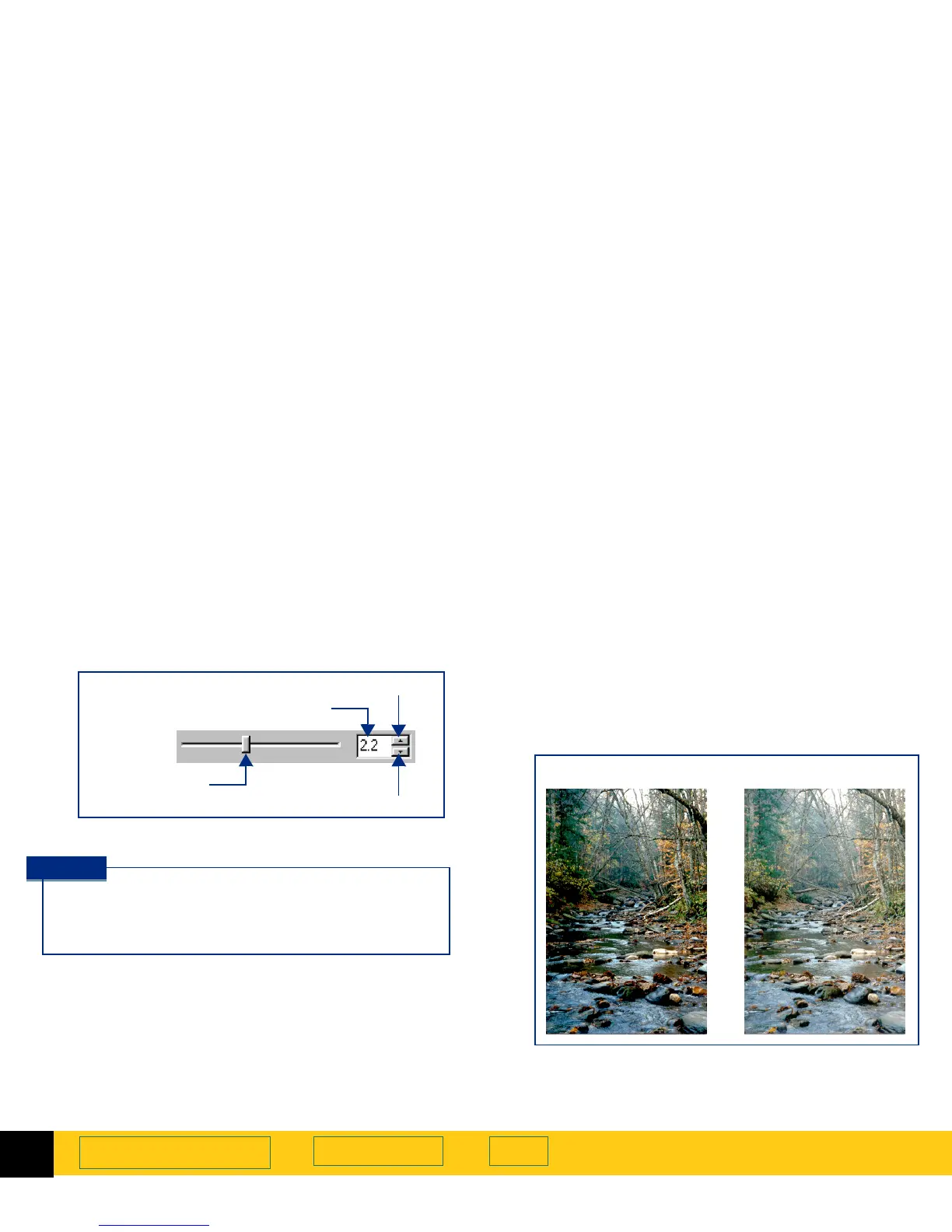
The result of the change to
Midtones
can be seen in
the preview area.
Midtones
slider
field
DOWN spin button
UP spin button
control
If you will be sharing the image with others, the
Midtones
value 2.2 is recommended, since the
brightness of monitors varies.
TIP
Midtones
set at 3.0
Midtones
set at 2.2








 To Next Page