+$%&
4
HP
PrecisionScan Pro
User’s Guide
82
Adjusting images of
pictures
Book Contents
Index
➮
➮
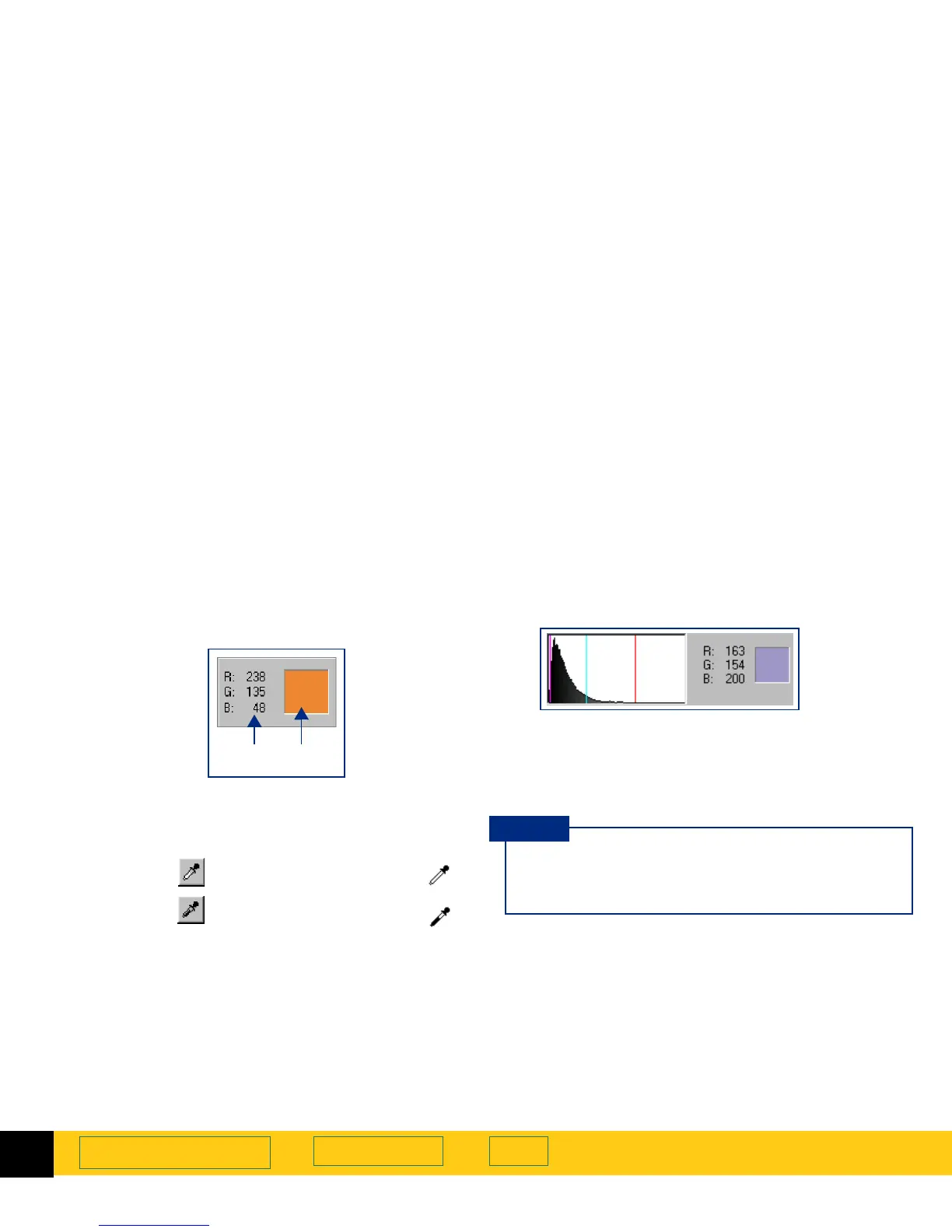
RGB Meter
You can view the RGB values and pixel color for any
spot in a color or grayscale image with the
RGB Meter
in
the
Exposure Adjustment
tool.
Using the RGB Meter
1
Click either eyedropper button in the
Exposure
Adjustment
tool:
■
When you click , the pointer changes to this: .
■
When you click , the pointer changes to this: .
2
Move the pointer over the image.
•
The RGB values and pixel color appear in the
RGB
Meter
.
•
The turquoise line appears in the histogram.
3
Click the same eyedropper button again.
•
The
RGB Meter
dims.
•
The pointer returns to normal.
➊ ➋
➊
RGB values
➋
Pixel color
Do not click while the eyedropper pointer is over
the image unless you want to change the setting
for
Highlights
or
Shadows
.
TIP








 To Next Page