Appendix B Setting Up Your Computer’s IP Address
B222s User’s Guide
198
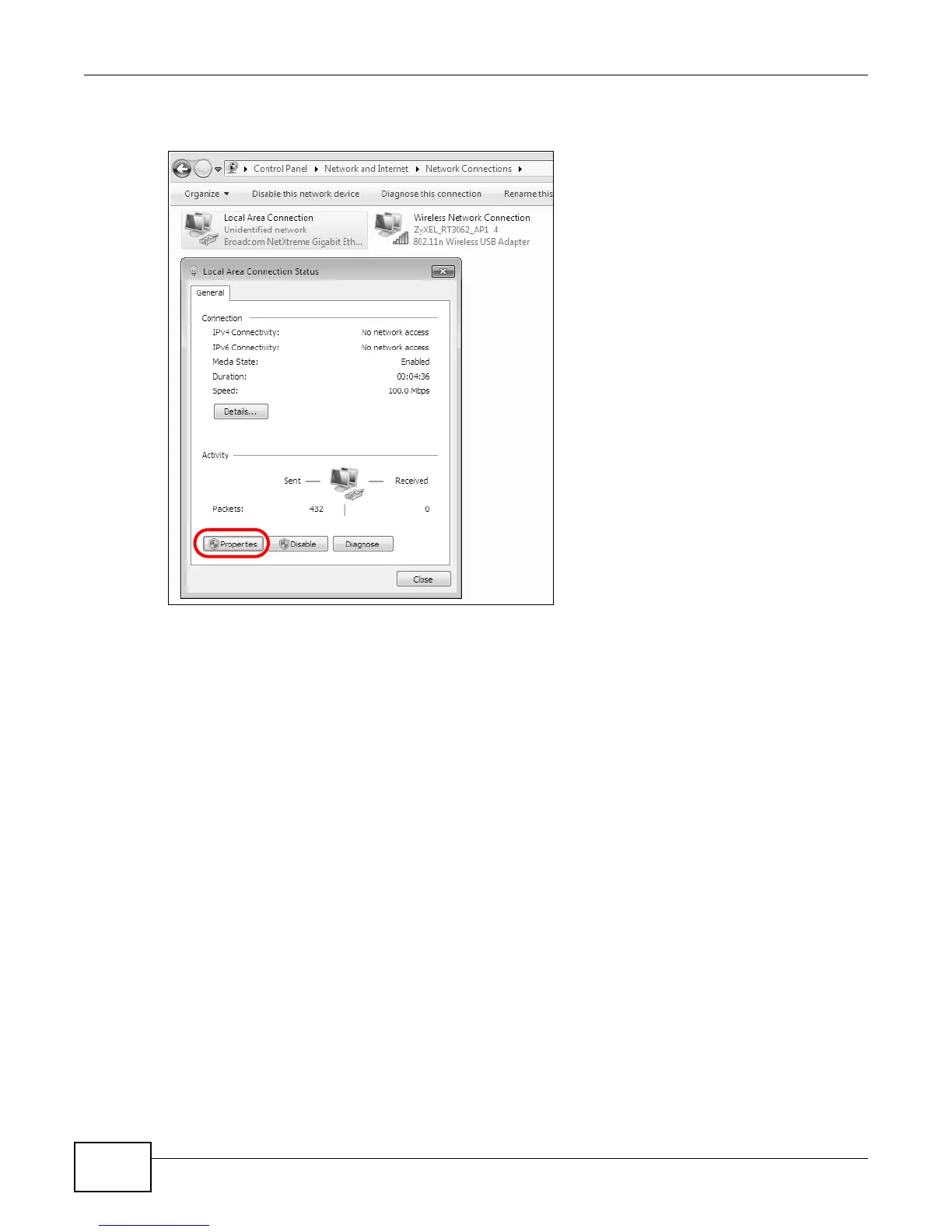
4 Double click Local Area Connection and then select Properties.
Figure 122 Windows 7: Local Area Connection Status
Note: During this procedure, click Continue whenever Windows displays a screen saying
that it needs your permission to continue.











 To Next Page