Appendix B Setting Up Your Computer’s IP Address
B222s User’s Guide
201
3 The IP settings are displayed as follows.
Figure 125 Windows 7: Internet Protocol Version 4 (TCP/IPv4) Properties
Mac OS X: 10.3 and 10.4
The screens in this section are from Mac OS X 10.4 but can also apply to 10.3.
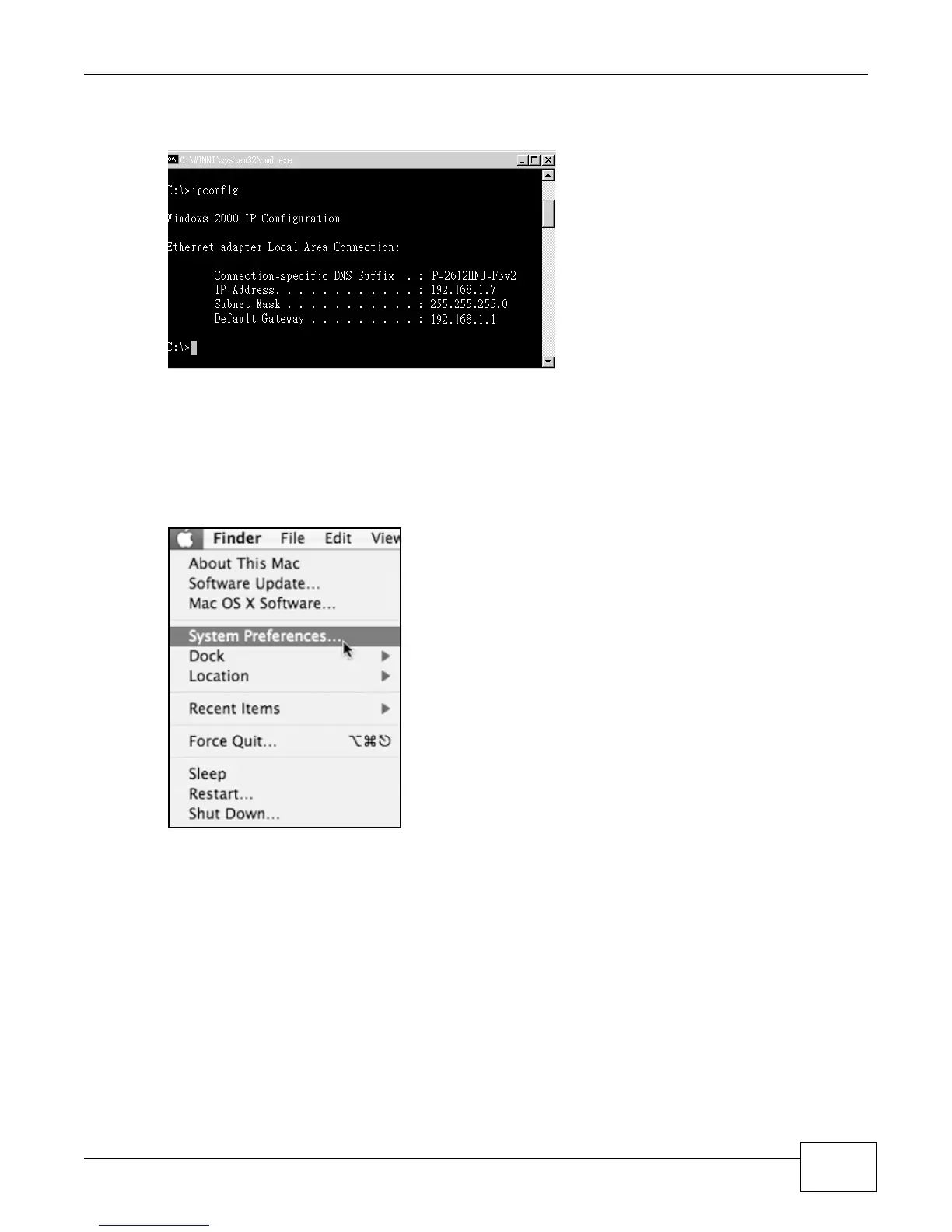
1 Click Apple > System Preferences.
Figure 126 Mac OS X 10.4: Apple Menu











 To Next Page