Appendix B Setting Up Your Computer’s IP Address
B222s User’s Guide
203
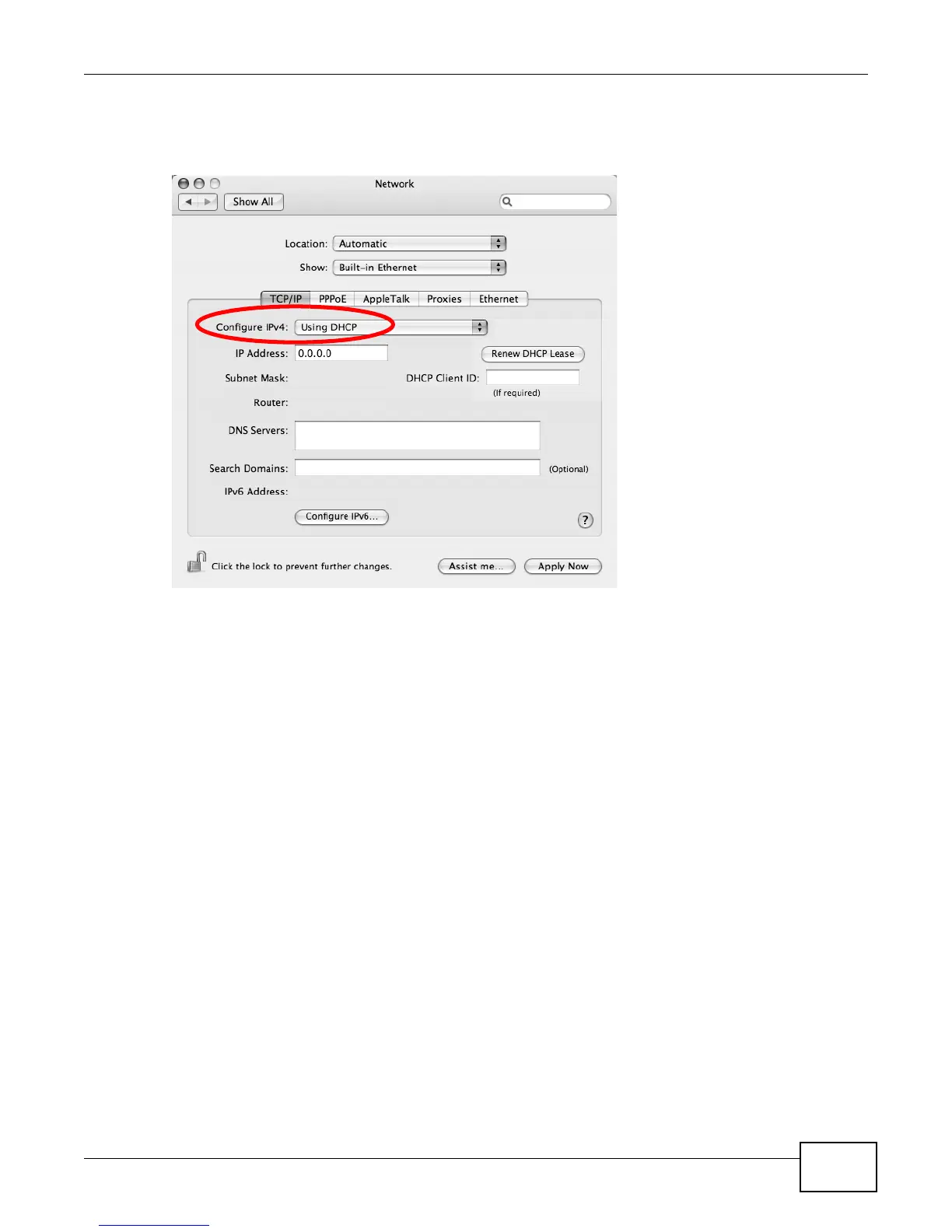
4 For dynamically assigned settings, select Using DHCP from the Configure IPv4 list in the TCP/IP
tab.
Figure 129 Mac OS X 10.4: Network Preferences > TCP/IP Tab.
5 For statically assigned settings, do the following:
•From the Configure IPv4 list, select Manually.
•In the IP Address field, type your IP address.
•In the Subnet Mask field, type your subnet mask.











 To Next Page