Appendix B Setting Up Your Computer’s IP Address
B222s User’s Guide
211
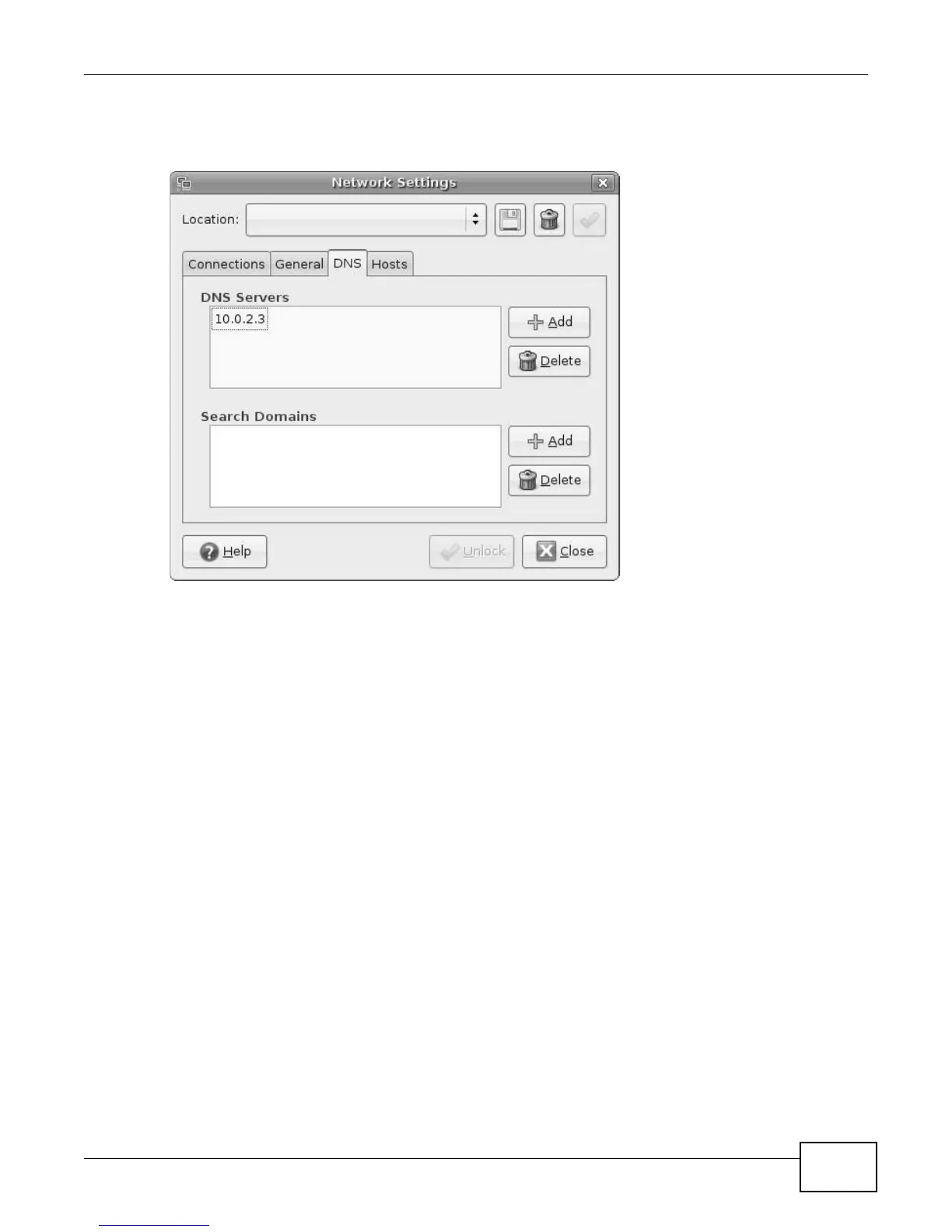
7 If you know your DNS server IP address(es), click the DNS tab in the Network Settings window
and then enter the DNS server information in the fields provided.
Figure 142 Ubuntu 8: Network Settings > DNS
8 Click the Close button to apply the changes.











 To Next Page