Appendix C Pop-up Windows, JavaScript and Java Permissions
B222s User’s Guide
221
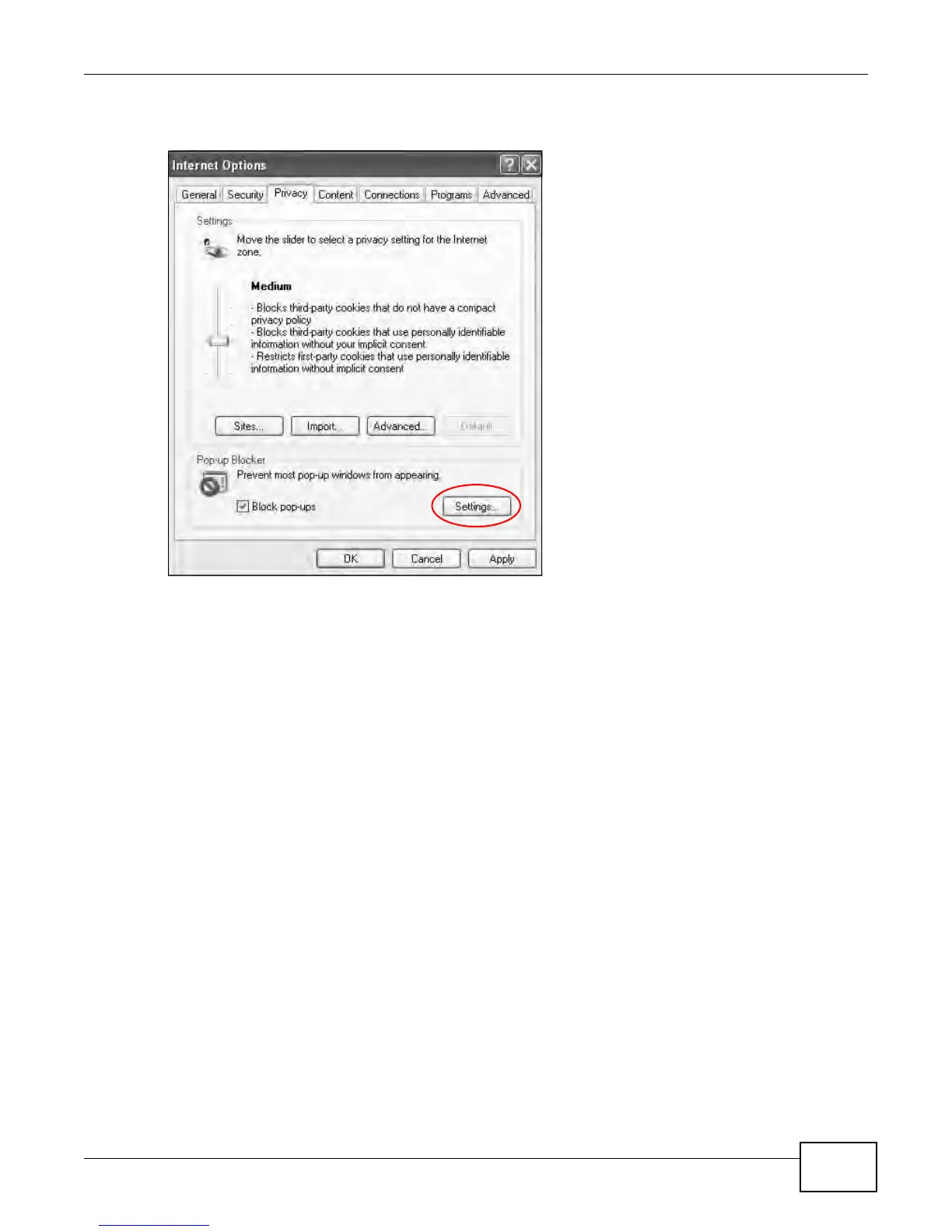
2 Select Settings…to open the Pop-up Blocker Settings screen.
Figure 154 Internet Options: Privacy
3 Type the IP address of your device (the web page that you do not want to have blocked) with the
prefix “http://”. For example, http://192.168.167.1.











 To Next Page