Appendix C Pop-up Windows, JavaScript and Java Permissions
B222s User’s Guide
222
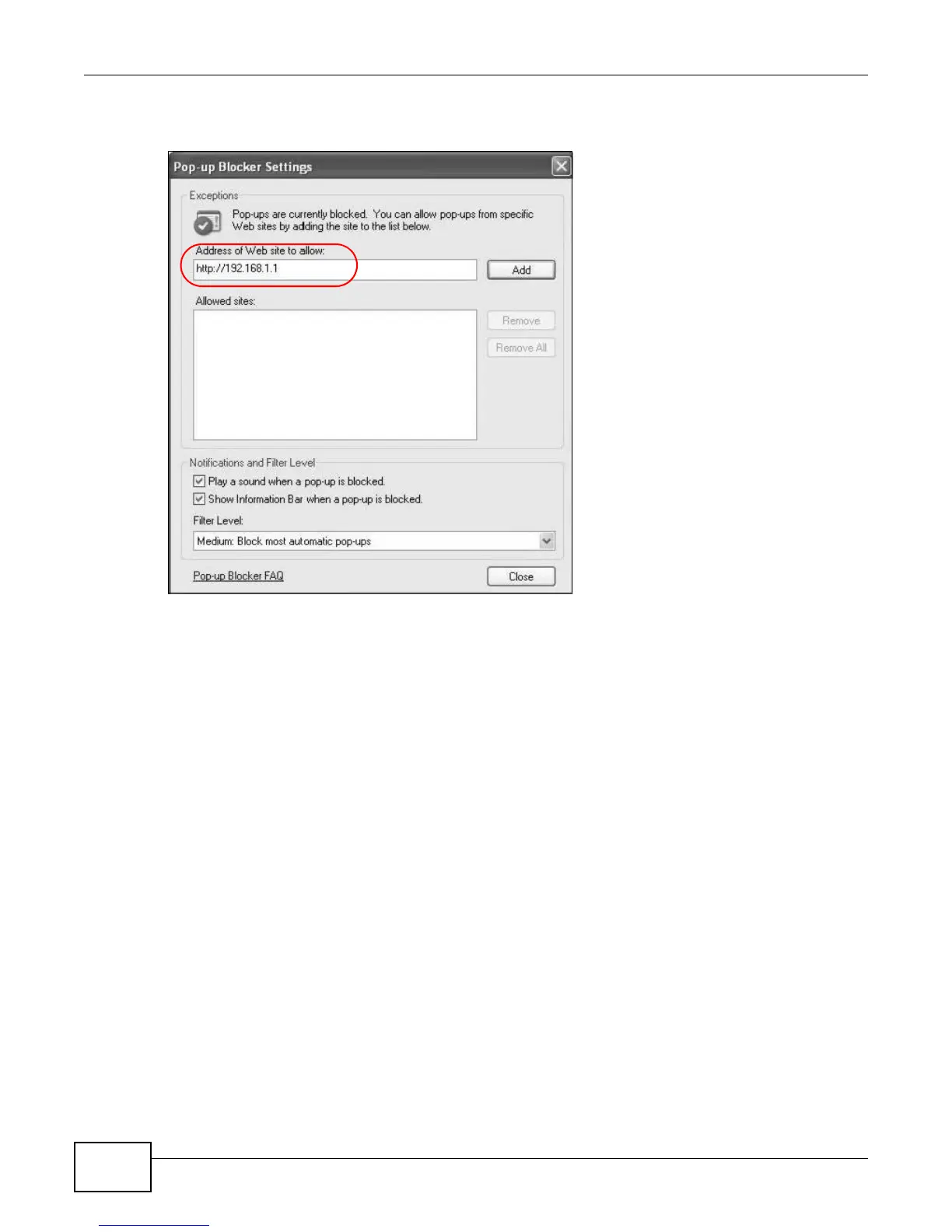
4 Click Add to move the IP address to the list of Allowed sites.
Figure 155 Pop-up Blocker Settings
5 Click Close to return to the Privacy screen.
6 Click Apply to save this setting.
JavaScript
If pages of the web configurator do not display properly in Internet Explorer, check that JavaScript
are allowed.











 To Next Page