Appendix C Pop-up Windows, JavaScript and Java Permissions
B222s User’s Guide
223
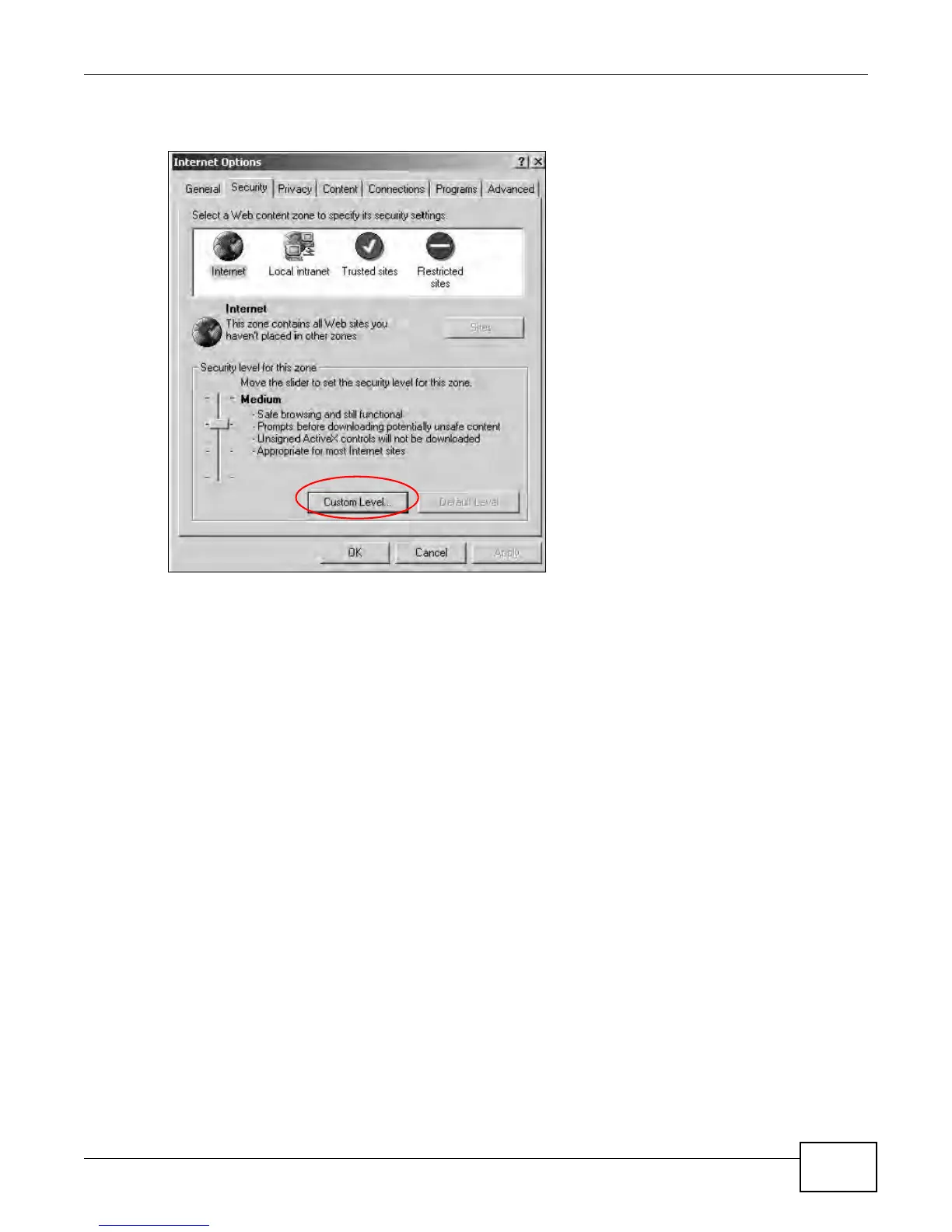
1 In Internet Explorer, click Tools, Internet Options and then the Security tab.
Figure 156 Internet Options: Security
2 Click the Custom Level... button.
3 Scroll down to Scripting.
4 Under Active scripting make sure that Enable is selected (the default).
5 Under Scripting of Java applets make sure that Enable is selected (the default).











 To Next Page