Appendix C Pop-up Windows, JavaScript and Java Permissions
B222s User’s Guide
225
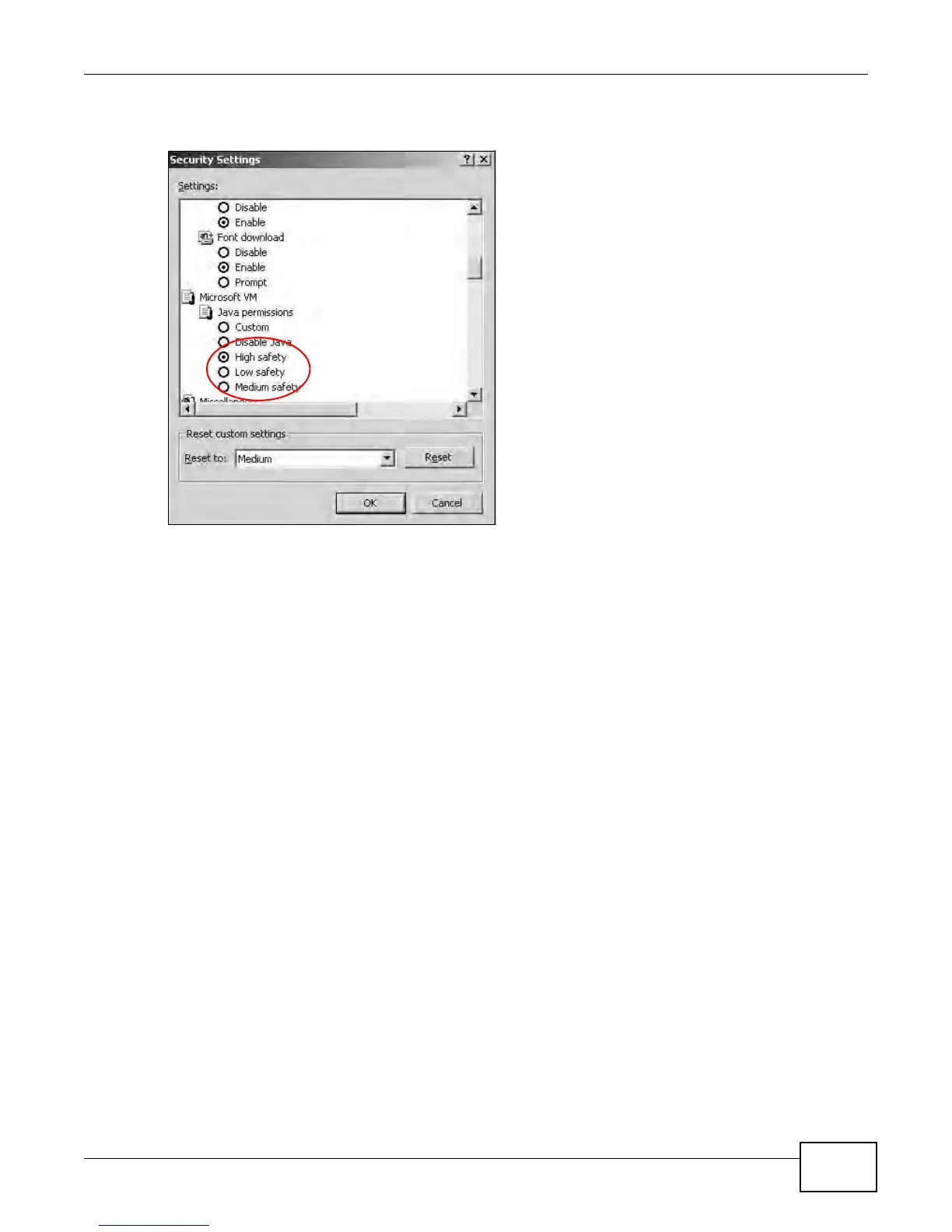
5 Click OK to close the window.
Figure 158 Security Settings - Java
JAVA (Sun)
1 From Internet Explorer, click Tools, Internet Options and then the Advanced tab.
2 Make sure that Use Java 2 for <applet> under Java (Sun) is selected.


 To Next Page
 Loading...







