Appendix C Pop-up Windows, JavaScript and Java Permissions
B222s User’s Guide
226
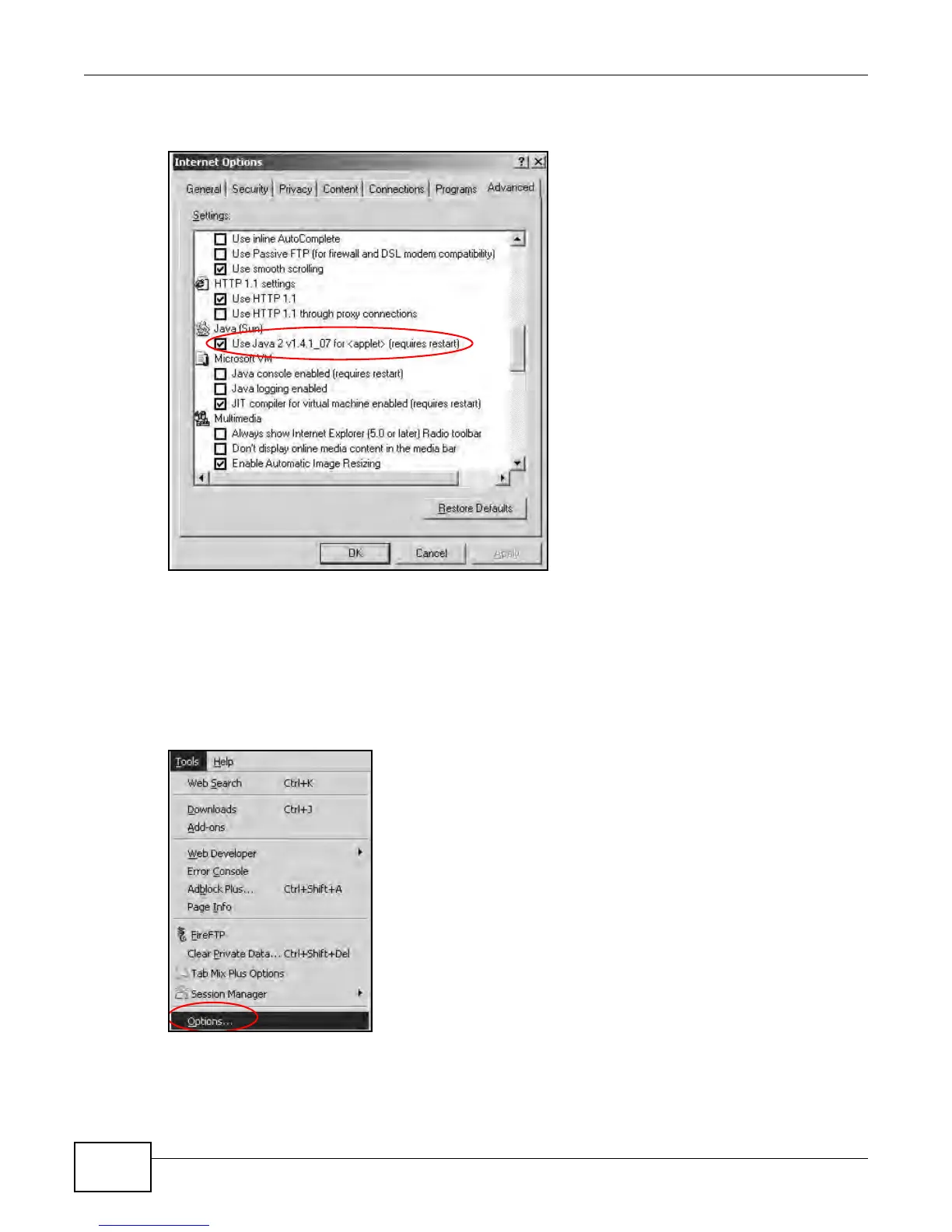
3 Click OK to close the window.
Figure 159 Java (Sun)
Mozilla Firefox
Mozilla Firefox 2.0 screens are used here. Screens for other versions may vary.
You can enable Java, JavaScript and pop-ups in one screen. Click Tools, then click Options in the
screen that appears.
Figure 160 Mozilla Firefox: Tools > Options


 To Next Page
 Loading...







