CAUTION
Ensure that the arrow on the main mounting bracket points upwards when installing the securing
piece.
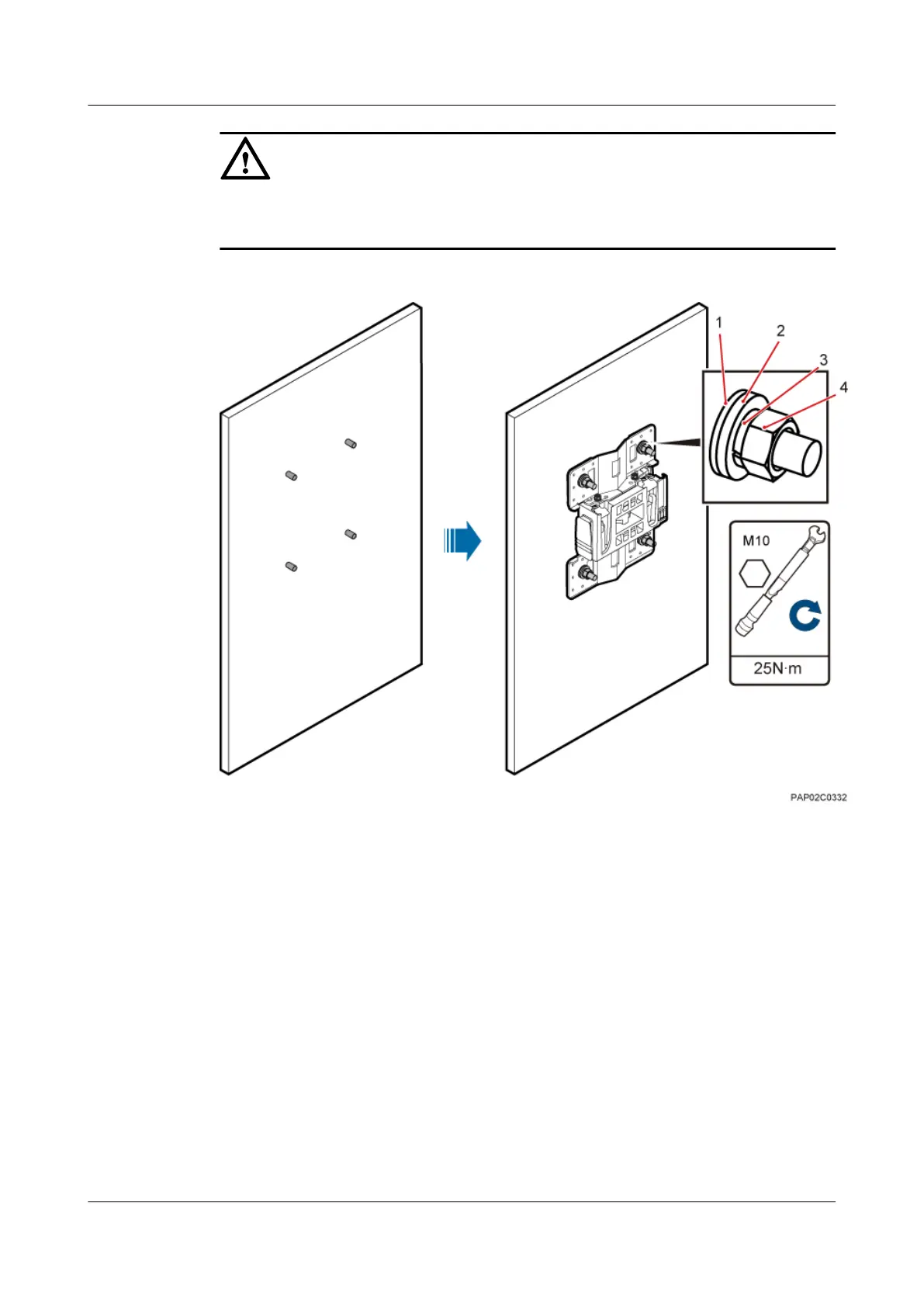
Figure 7-14 Fitting the mounting piece on the expansion bolt
(1) Insulation
washer
(2) Large flat washer (3) Spring washer (4) Nut
Step 5 Install the BTS3902E on the main mounting bracket until the BTS3902E snaps shut, as shown
in Figure 7-15.
7 Installing a BTS3902E
BTS3902E WCDMA
Installation Guide
7-12 Huawei Proprietary and Confidential
Copyright © Huawei Technologies Co., Ltd.
Issue Draft A (2011-06-30)









 To Next Page